What your customers see
The marketing pages, pricing grid and self-serve sign-up — all editable from the super-admin panel, no code.
Open public siteNexus SaaS is the multi-tenant edition of the HR, CRM & Sales and Project Management system. Customers sign up on your landing page, pick a plan and get their own subdomain with their own database in under a minute. You run plans, subscriptions, payments, support and the landing page from a super-admin panel. They run their whole company from inside the workspace.
Every link opens in a new tab. Demo accounts are reset on a schedule, so anything you change is temporary.
The marketing pages, pricing grid and self-serve sign-up — all editable from the super-admin panel, no code.
Open public sitePlans, subscriptions, workspaces, support tickets, backups and updates for the whole platform.
A customer workspace on its own subdomain and database: HR, CRM, sales, support and projects.
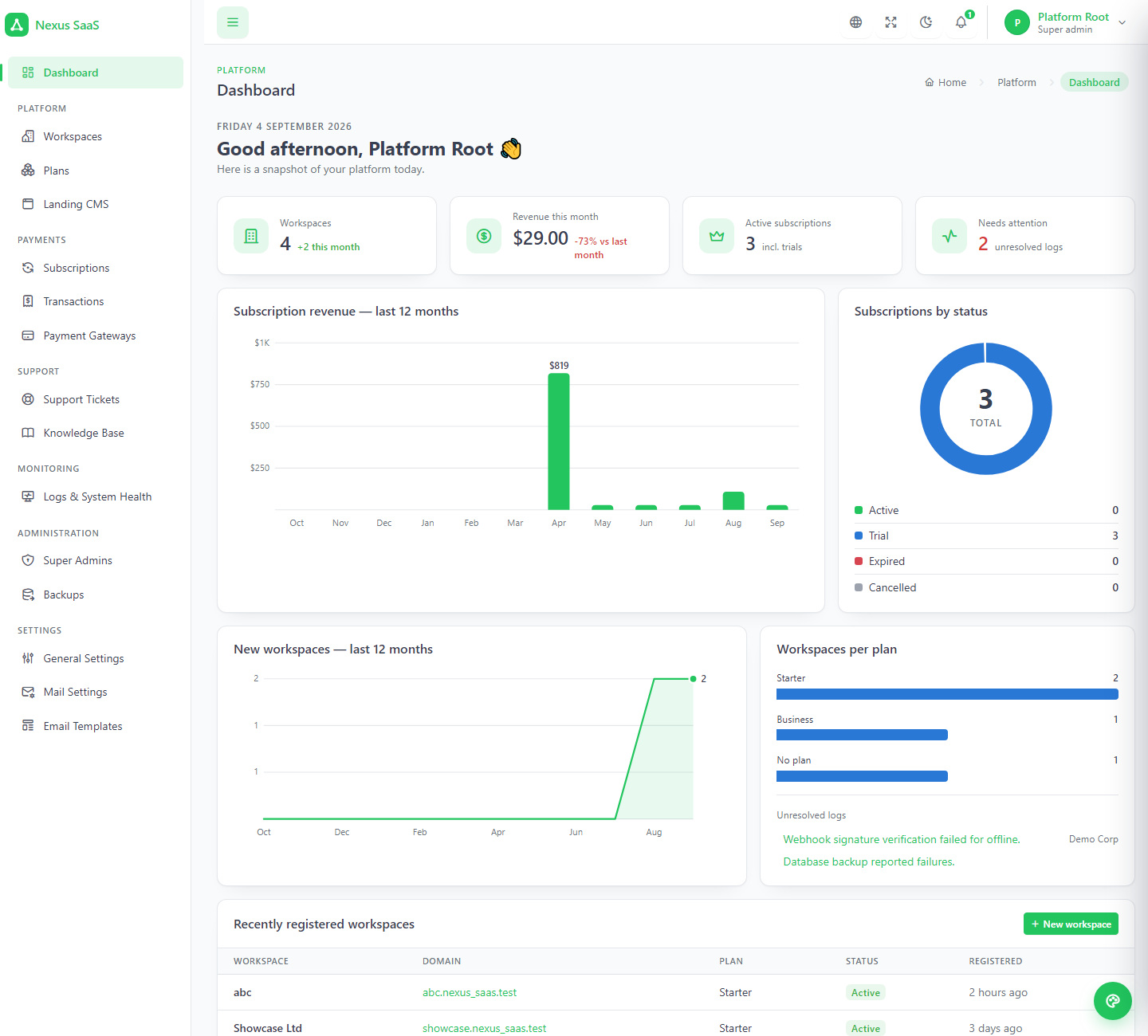
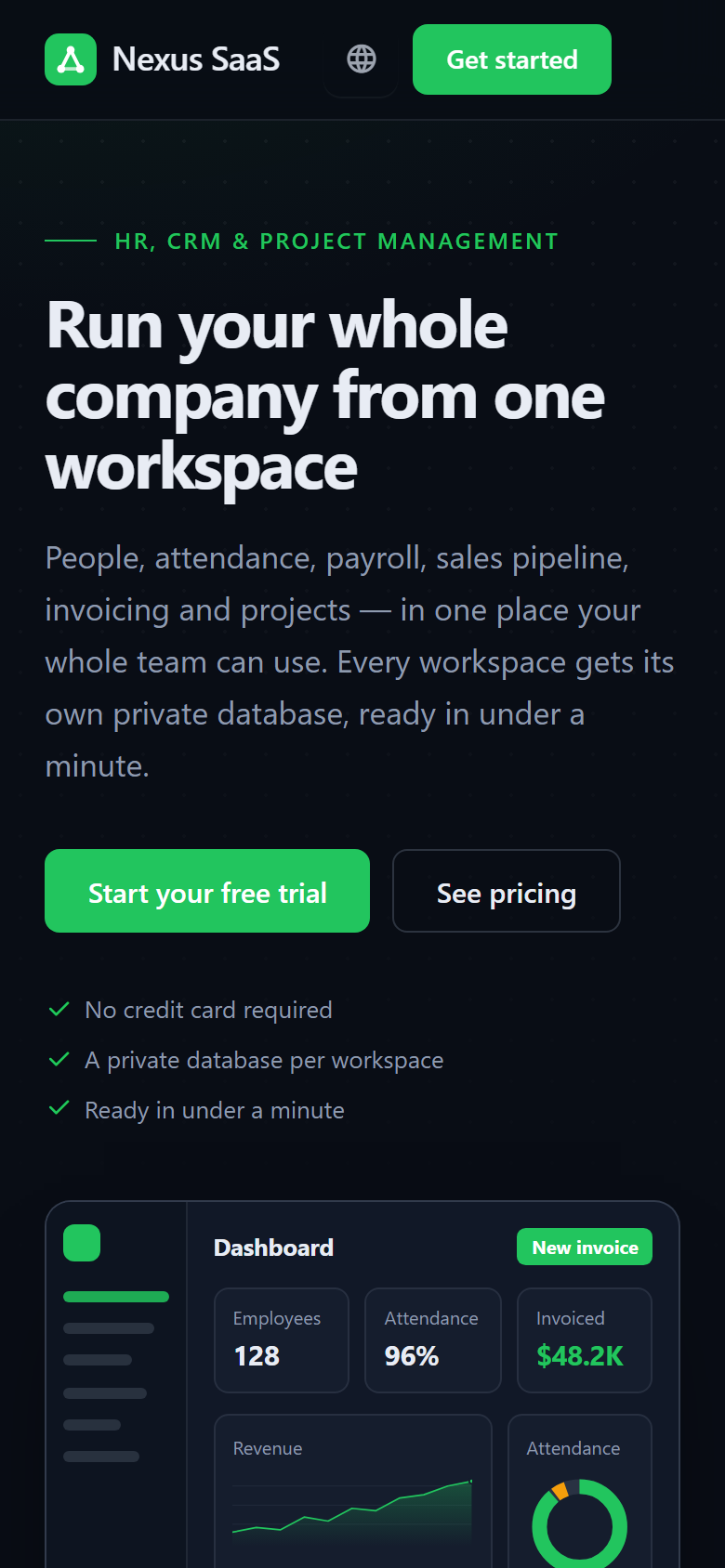
The apex domain is the platform — a marketing page, self-serve sign-up and the super-admin panel. Every subdomain is a complete Nexus with its own users, settings, uploads, language and database. Nothing is shared between customers except the code.
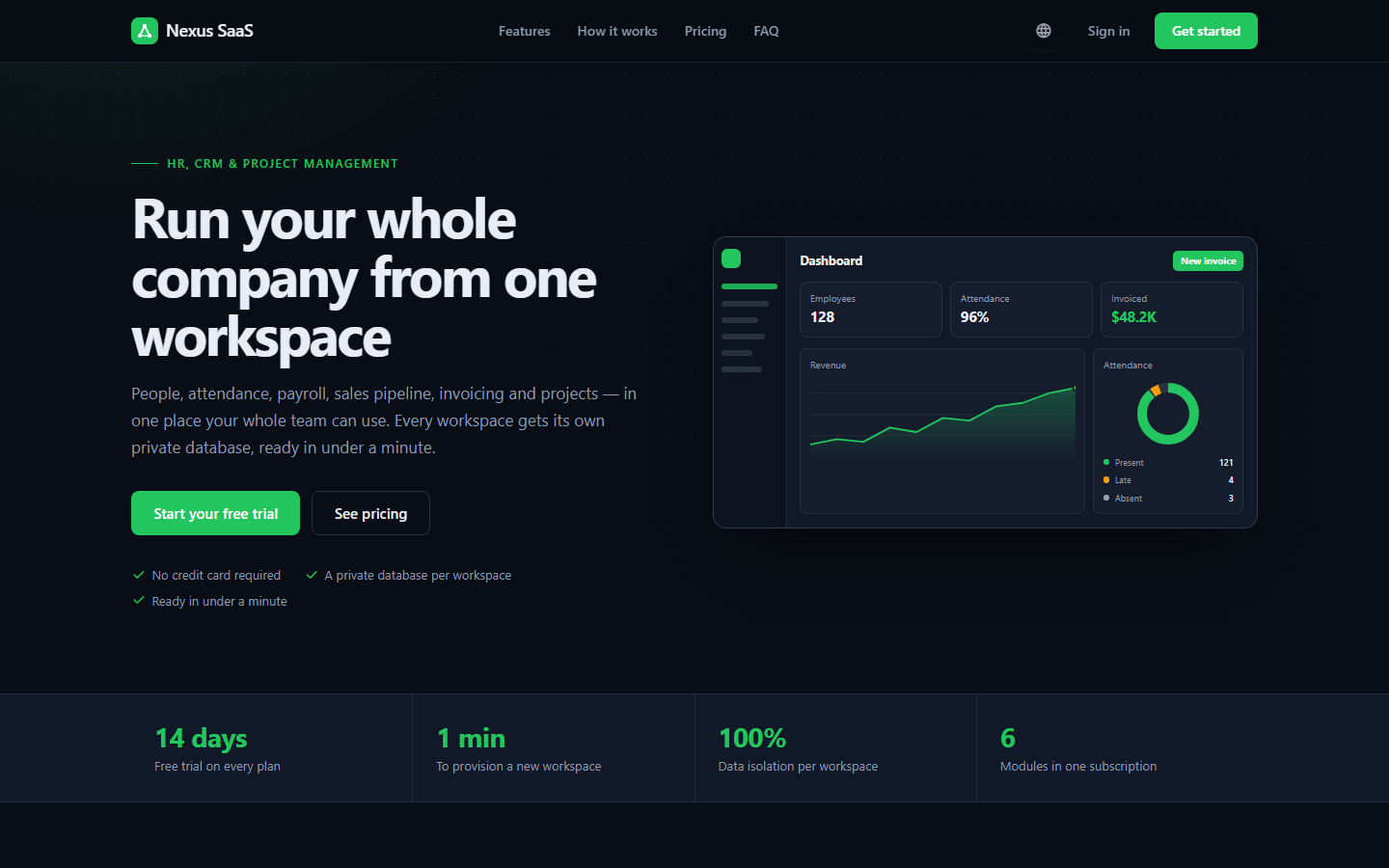
A CMS-edited marketing page with live pricing, a registration form, trial-or-pay-first checkout and a "preparing your workspace" page.
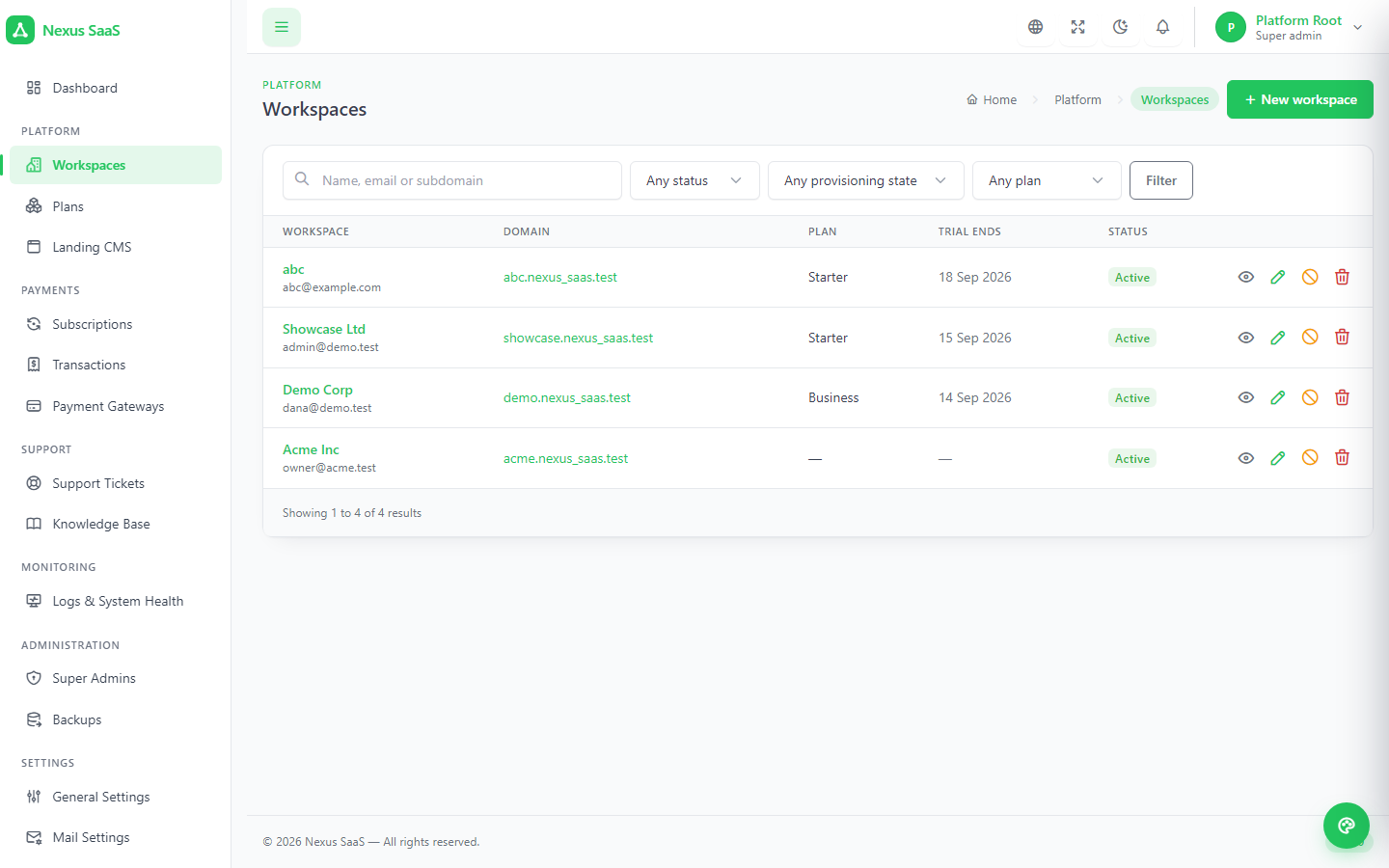
Workspaces, plans, subscriptions, transactions, gateways, support, knowledge base, system logs, backups, settings and the updater.
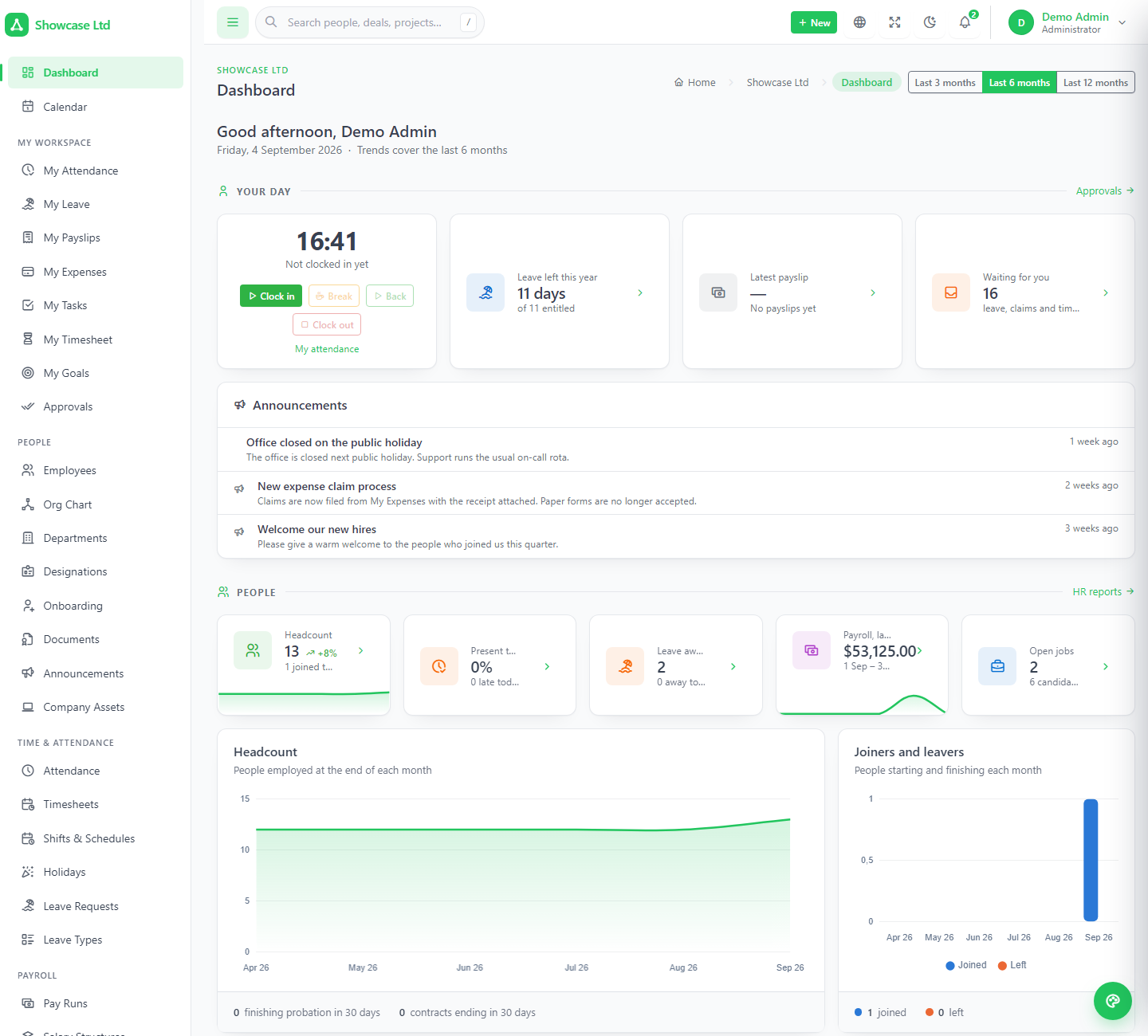
The full Nexus product: HR, CRM & Sales, Projects, client portal, careers page, REST API, 8 languages — plus billing, platform support and a help center.
Not a workspace_id column — a separate MySQL database, created at sign-up and dropped on delete. It can even live on another server.
The database is built in a job that runs after sign-up returns. No queue worker, no Redis; the customer watches a page that polls until the login link appears.
A grace period, a countdown banner, then a lock page that still lets the admin sign in and pay. A renewal reopens the workspace the moment it lands.
Every step is a real screen, and every state change is recorded against the workspace.
Company, subdomain, plan, billing cycle and an administrator account, from the pricing grid.
Database created and migrated, reference data seeded, admin created — or a subdomain reserved until payment.
Trial days come from the plan. Seat limits apply from day one, with a message that names them.
Stripe, PayPal, Paystack, Flutterwave, Mollie or bank transfer; return URL and webhook both idempotent.
Reminders at your offsets, a grace period, a lock page with a pay button, and a super admin who can extend by hand.
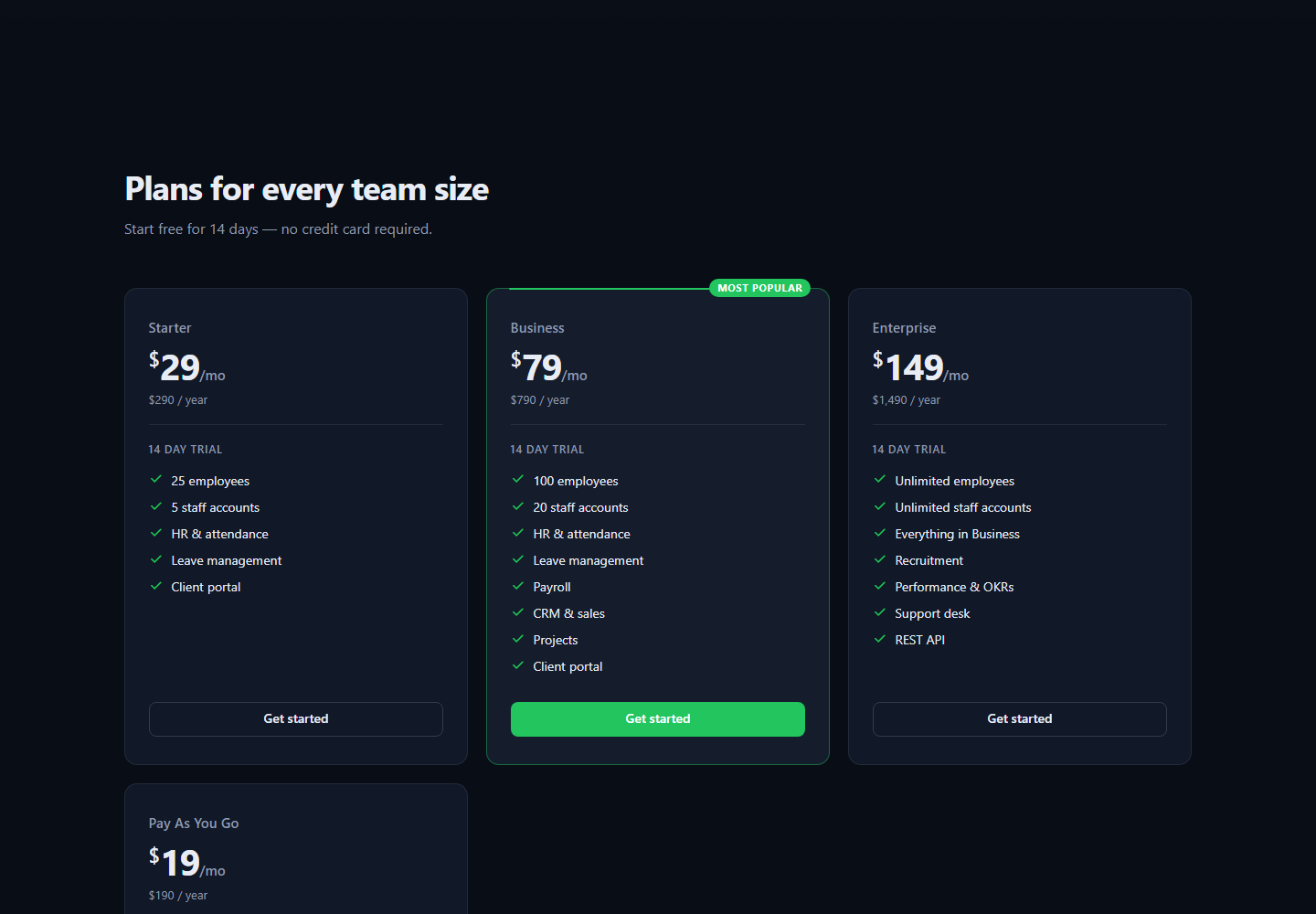
One marketing page at the apex — hero, features, how-it-works, pricing, stats, testimonials, FAQ, call-to-action, footer — every section edited from the panel. The pricing grid reads the live plans, so a price change in the panel is a price change on the site.
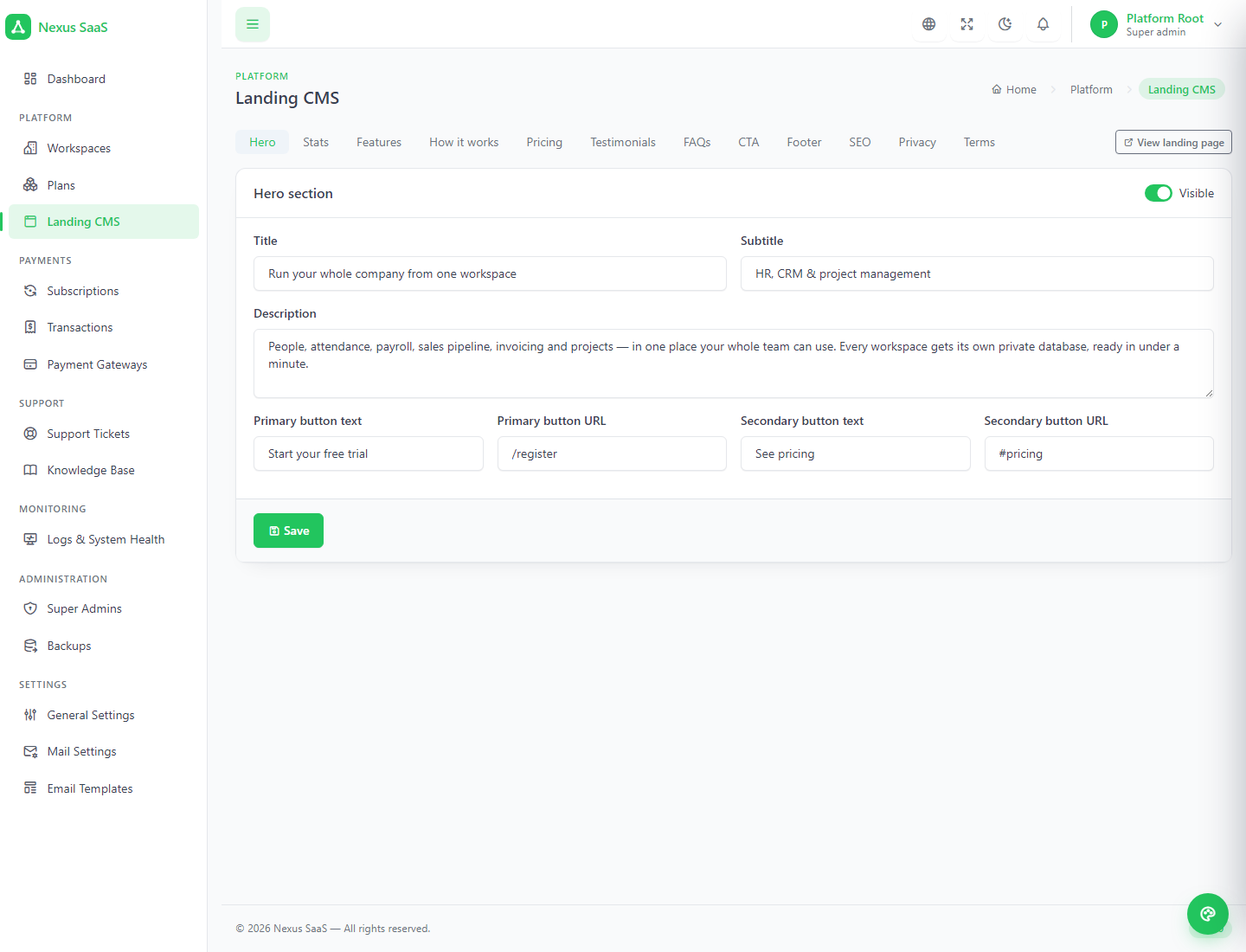
Hero, stats, features, how it works, pricing, testimonials, FAQs, CTA, footer, SEO fields, privacy policy and terms — each a tab with a visibility switch. The page follows the visitor's language across all eight locales, Arabic in right-to-left.
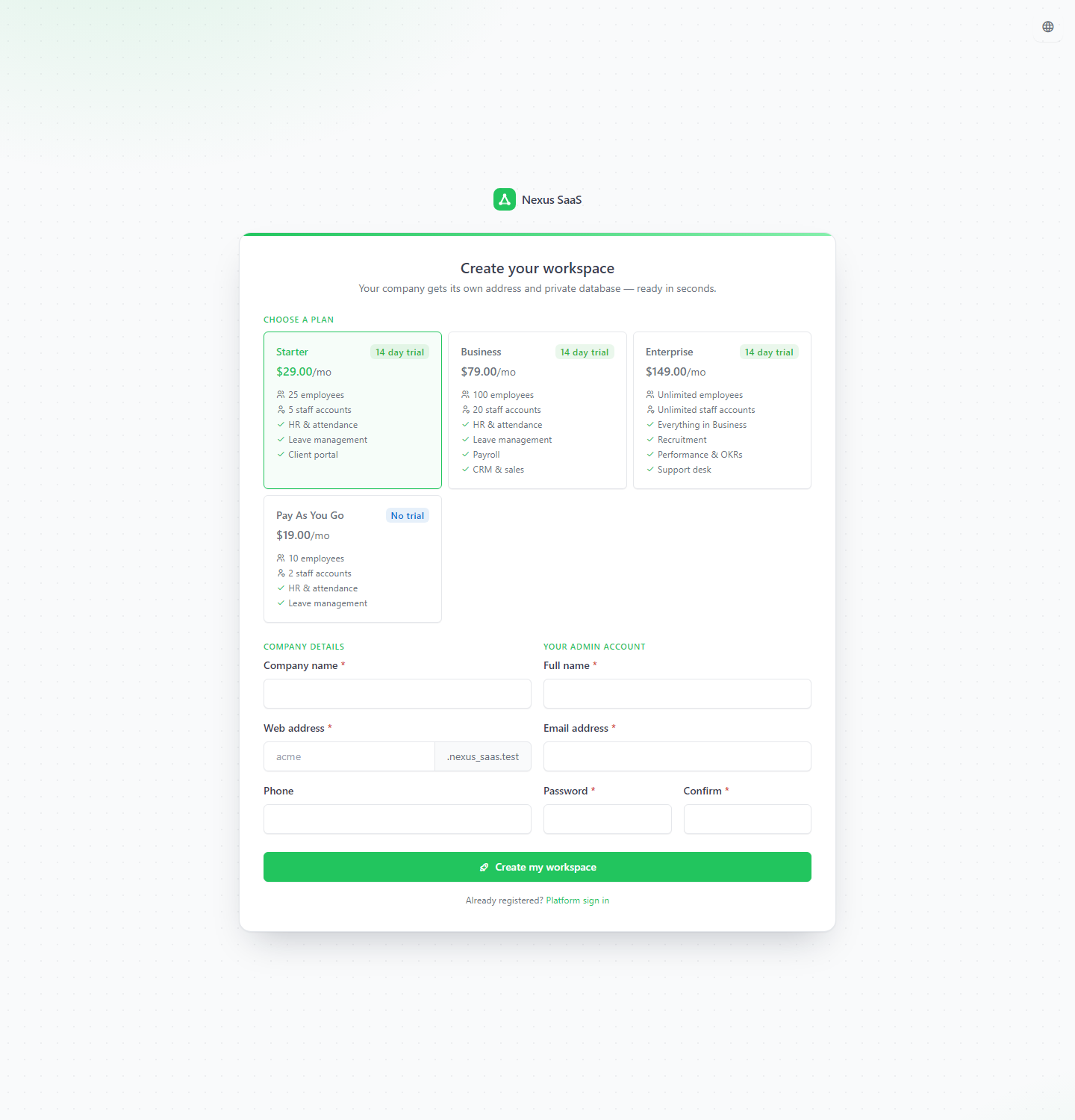
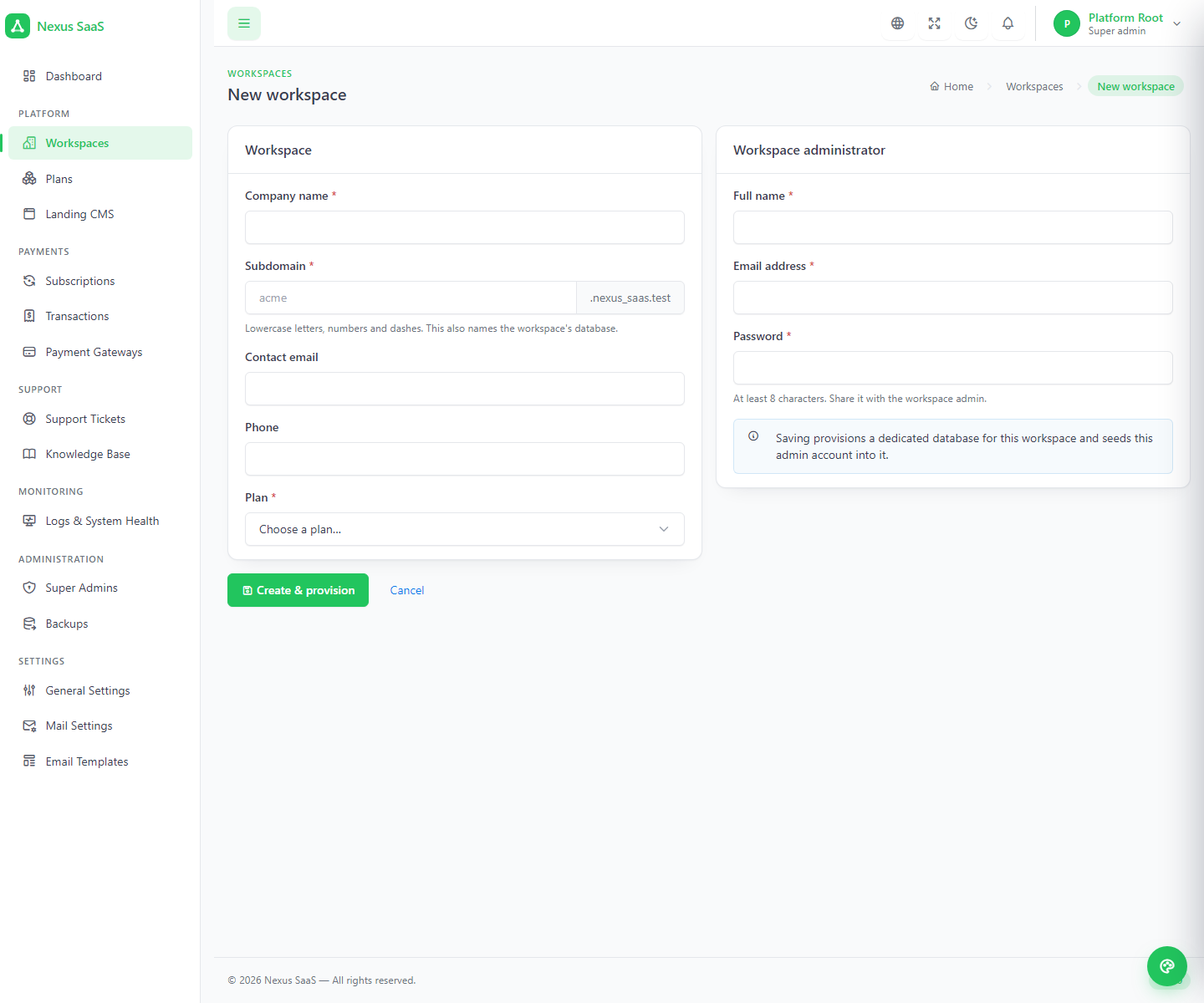
The form asks for a company name, a subdomain (3–30 characters, with a reserved list you can extend), a phone number, a plan and cycle, and the administrator's account. A plan with trial days provisions immediately and the customer watches a Preparing your workspace page until the login link appears. A plan without one reserves the subdomain, takes the customer to checkout, and builds nothing until the payment is confirmed — by the gateway, by a webhook, or by you marking a bank transfer as received.
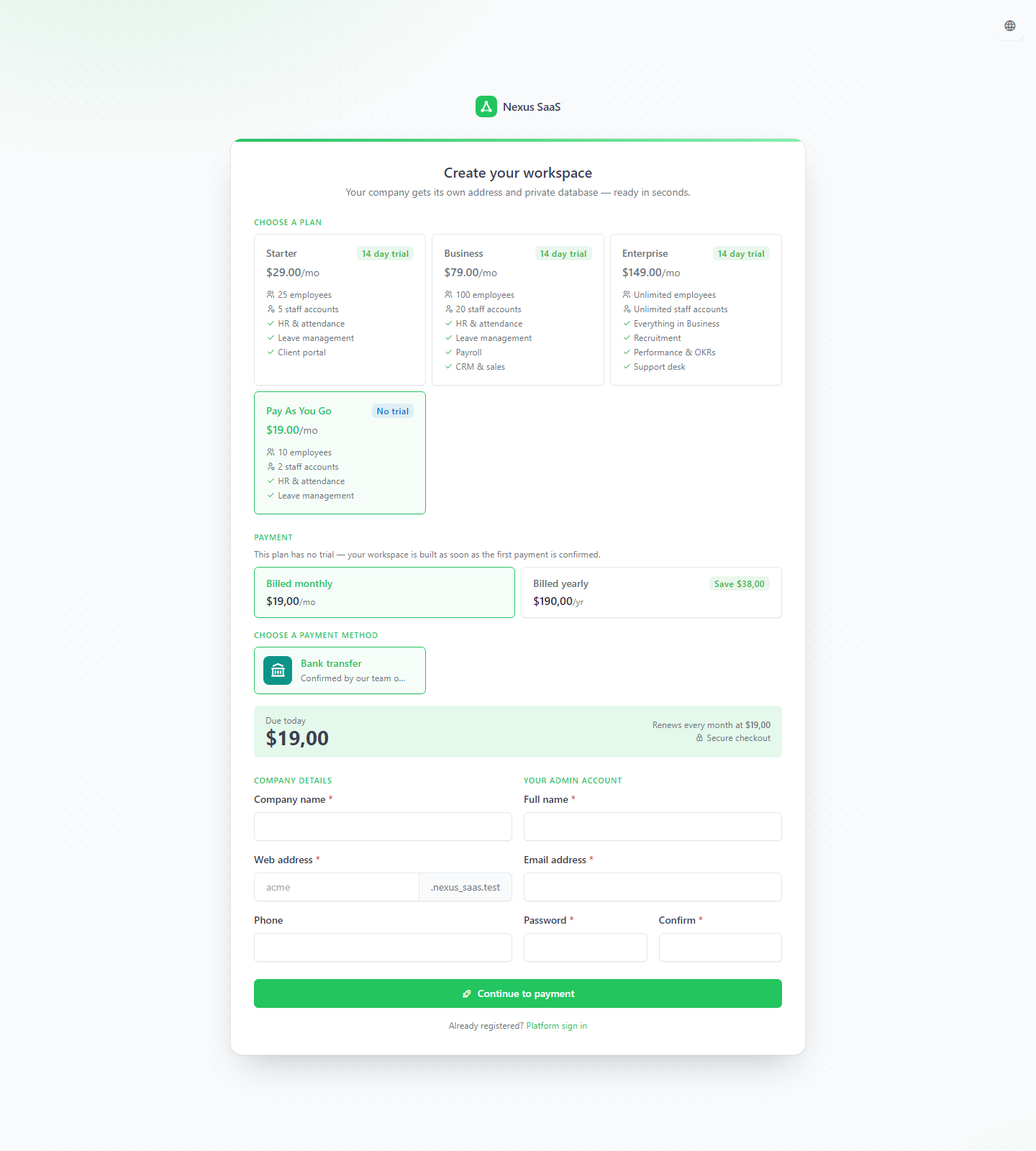
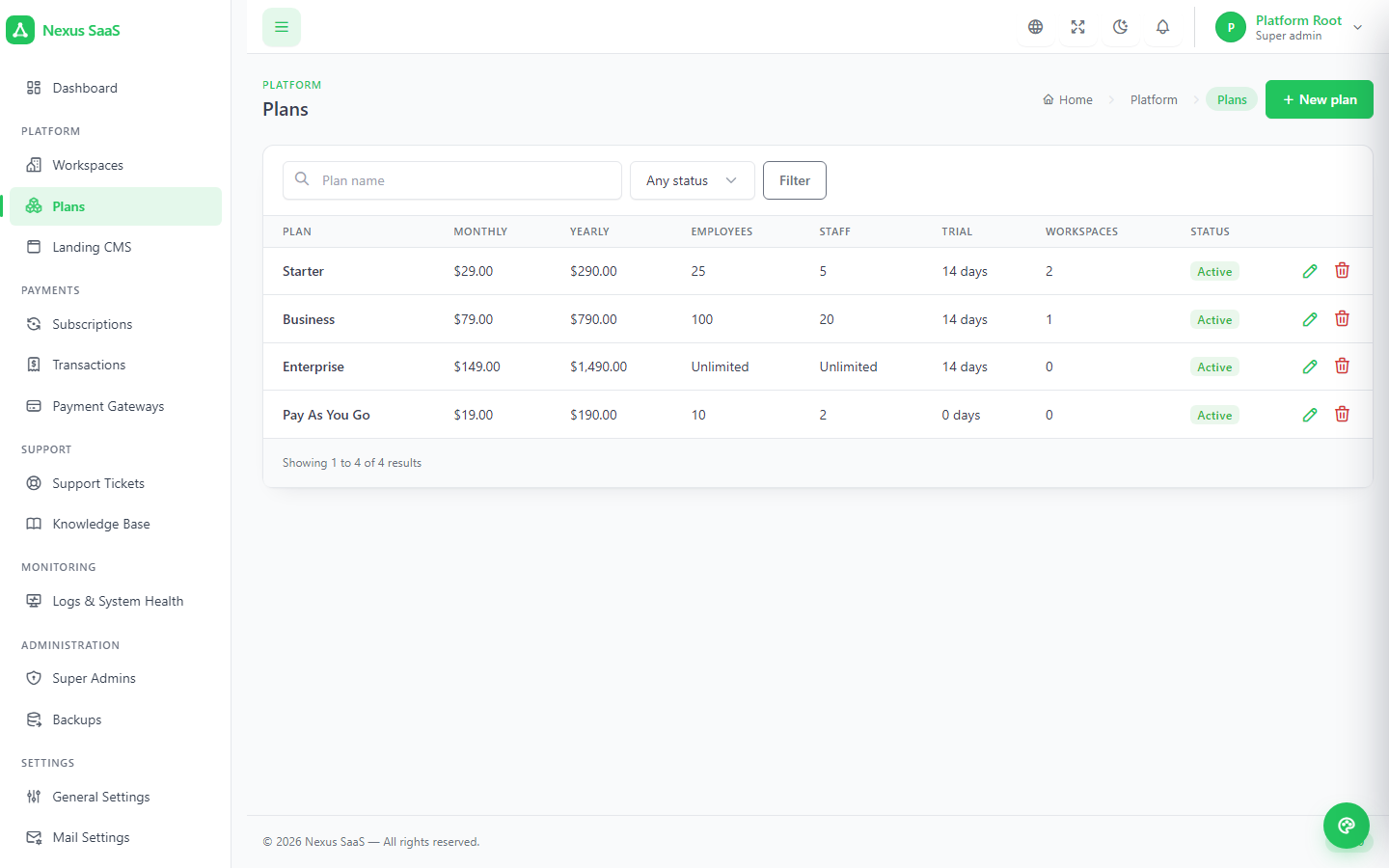
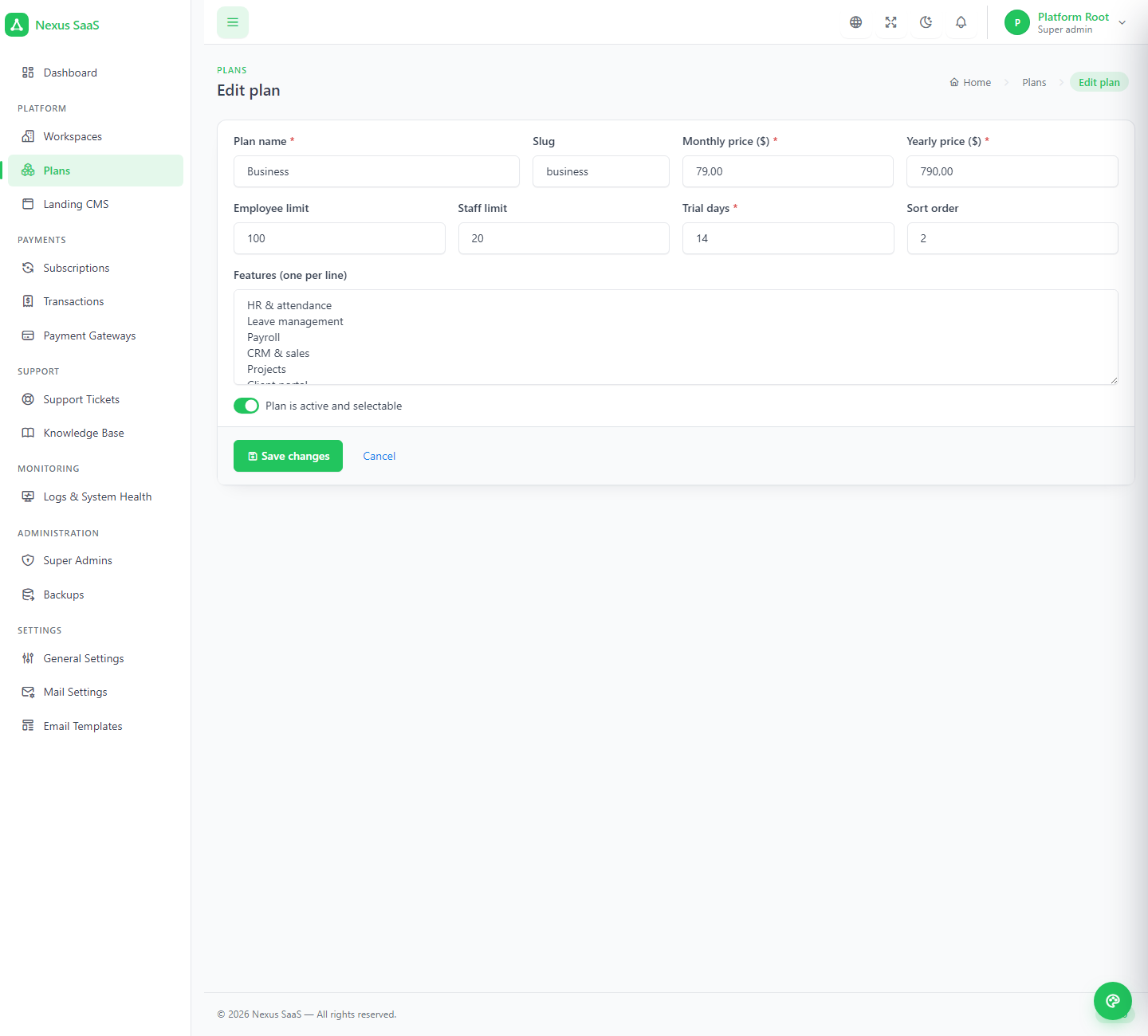
A plan is a name, two prices, an employee limit, a staff limit, trial days and a bullet list for the grid. Subscriptions move pending → trial → active → cancelled, with expired computed from the end date. Six gateways, encrypted credentials, webhooks that land even on a locked workspace.
Employees are accounts with the employee role; staff are everybody else. Either limit can be blank for unlimited, and trial days can be zero for pay-first. The limits are checked where accounts and employees are created — "Your plan allows up to 25 employees. Upgrade your plan to add more." — not just printed on the pricing grid.
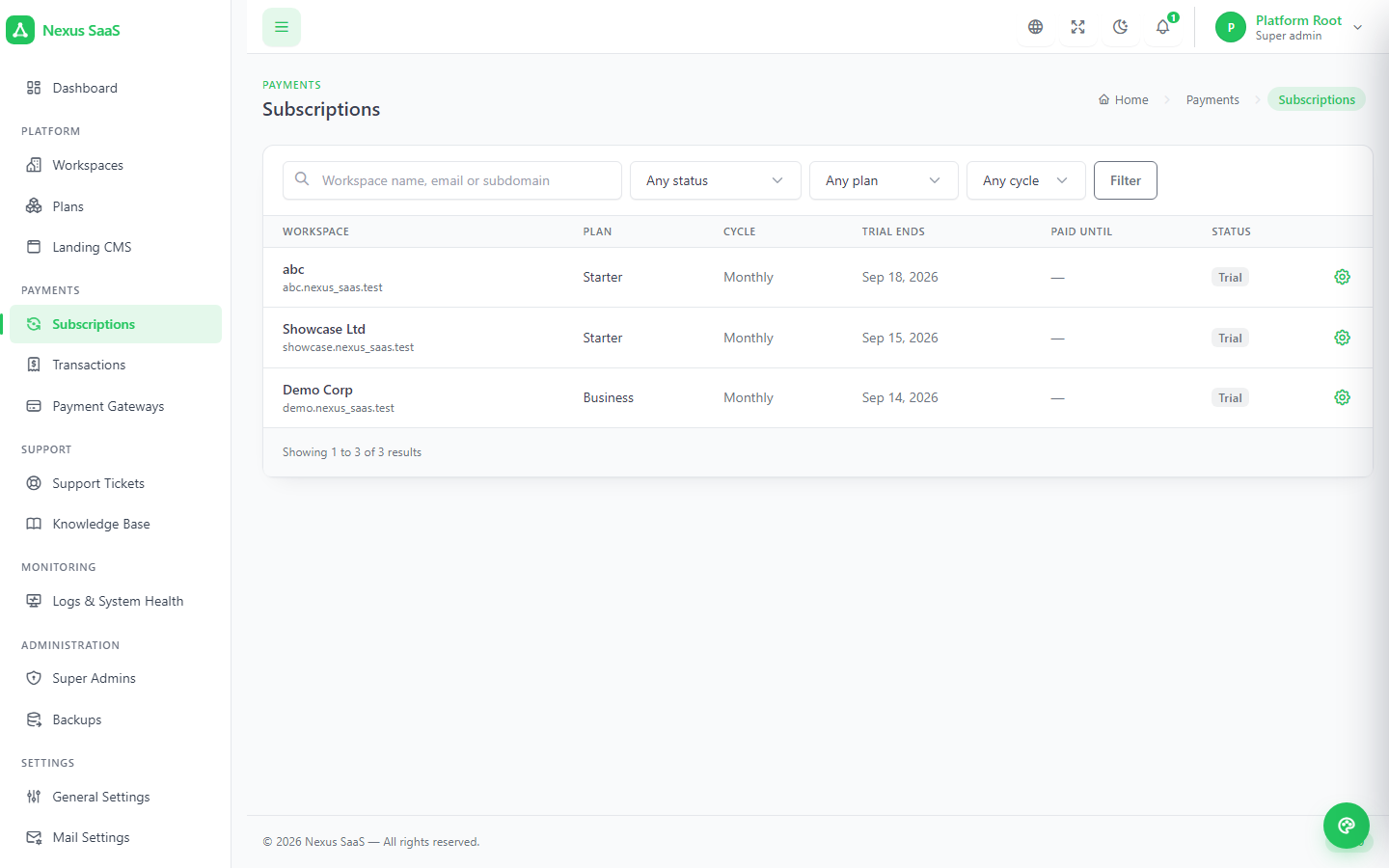
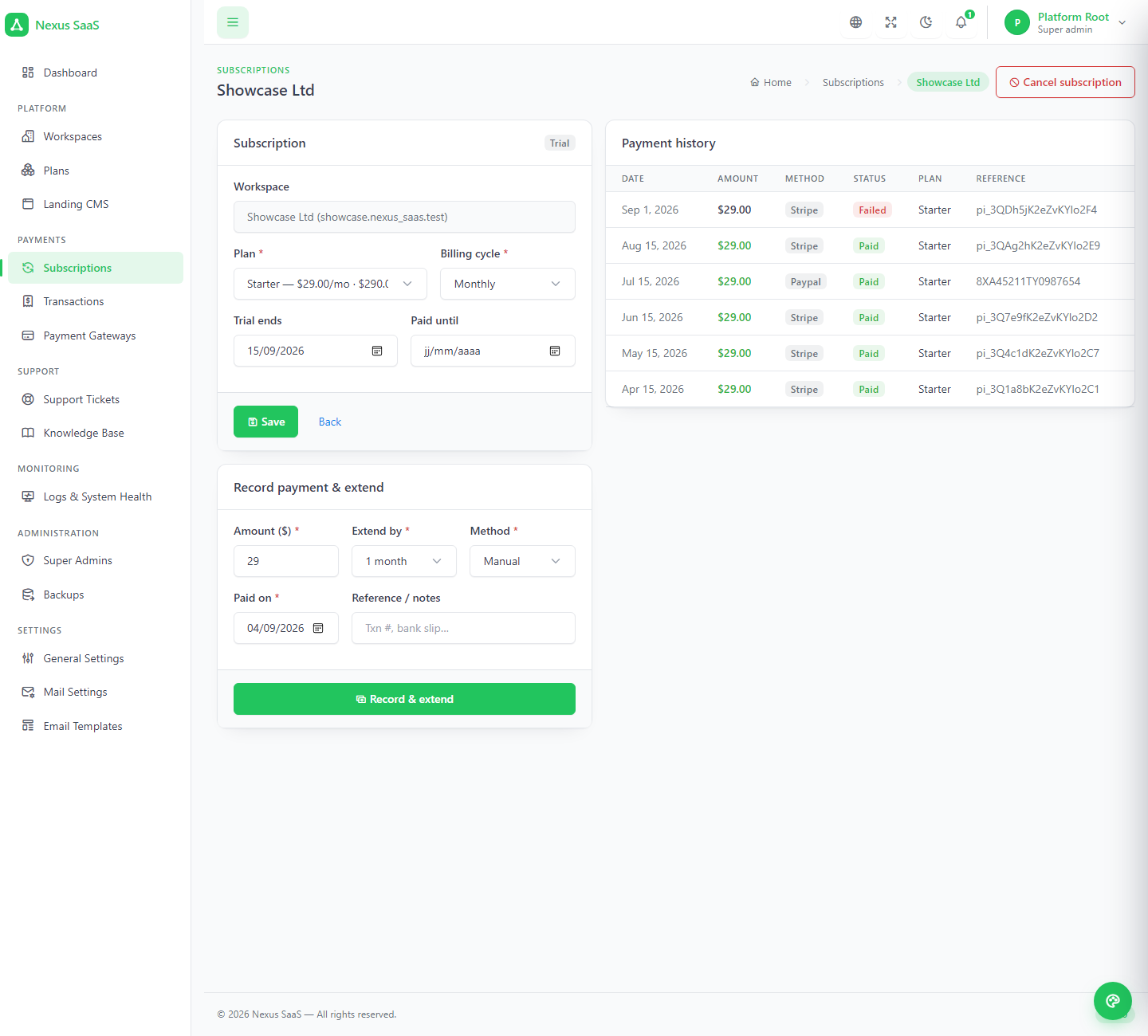
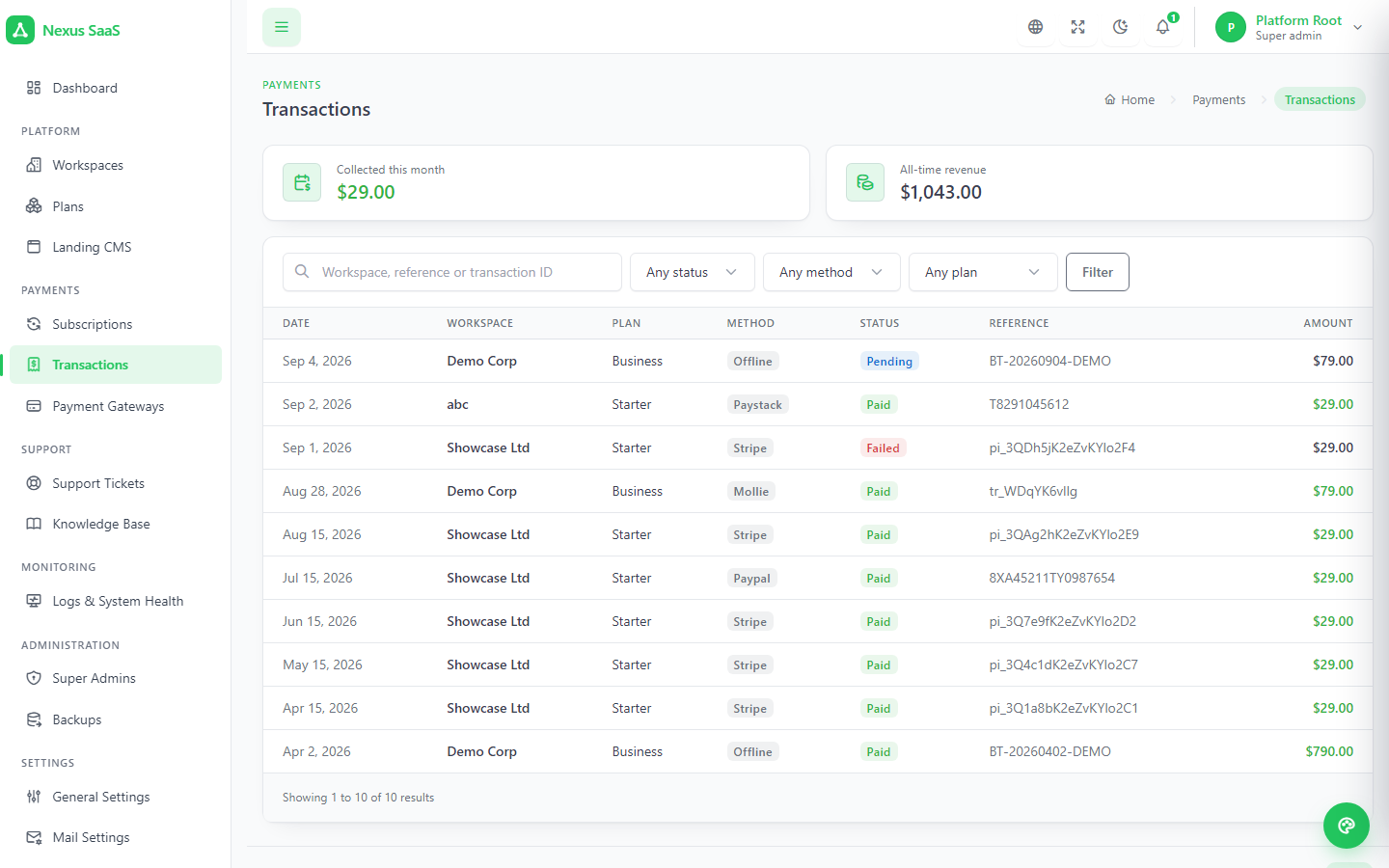
Filter subscriptions by status, plan and cycle; open one to change the plan, move the trial end, record a manual payment that extends the end date, or cancel. The transactions list shows every payment across every workspace — gateway, status, reference — with totals for this month and all time, counting only what was actually paid.
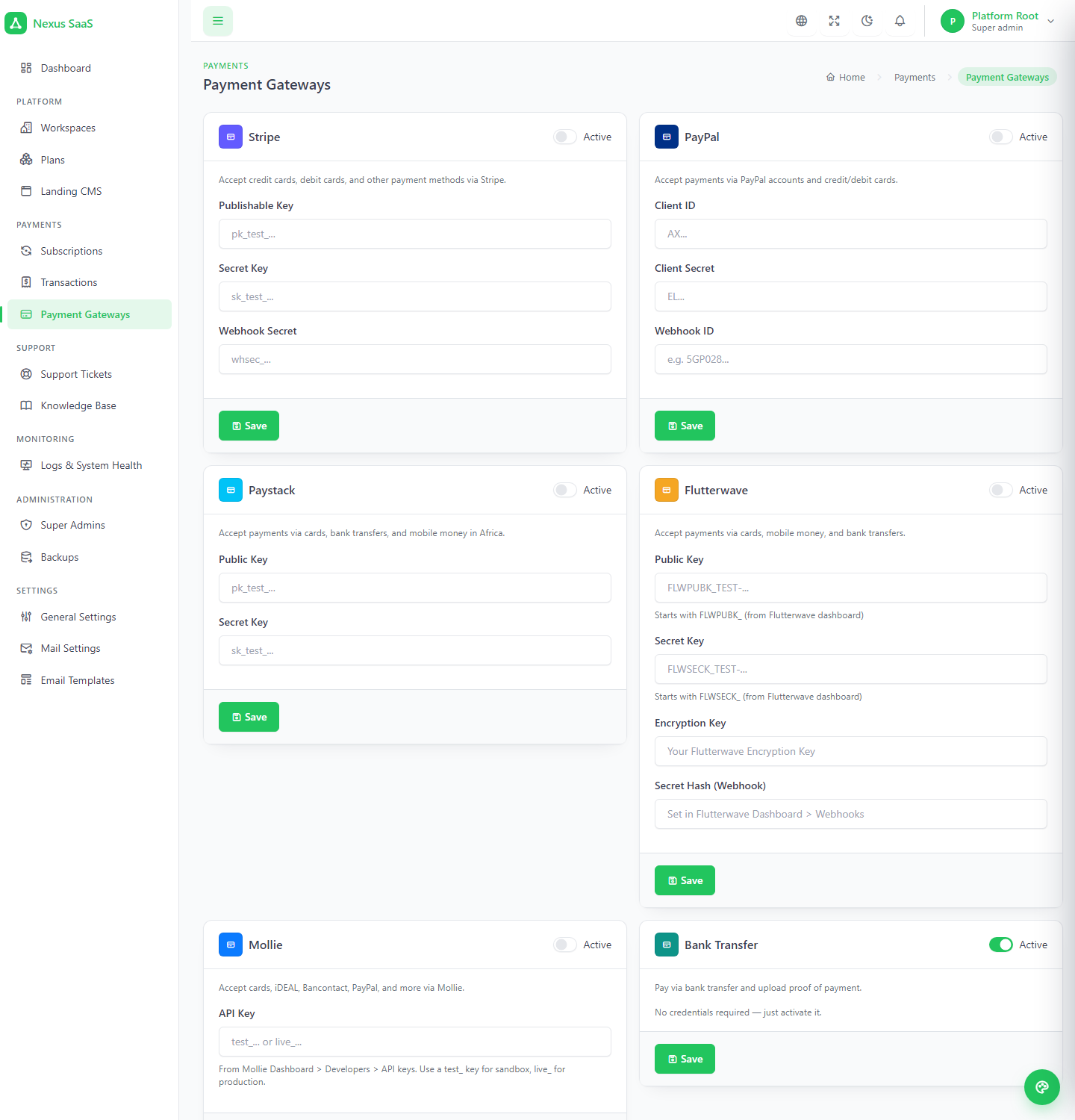
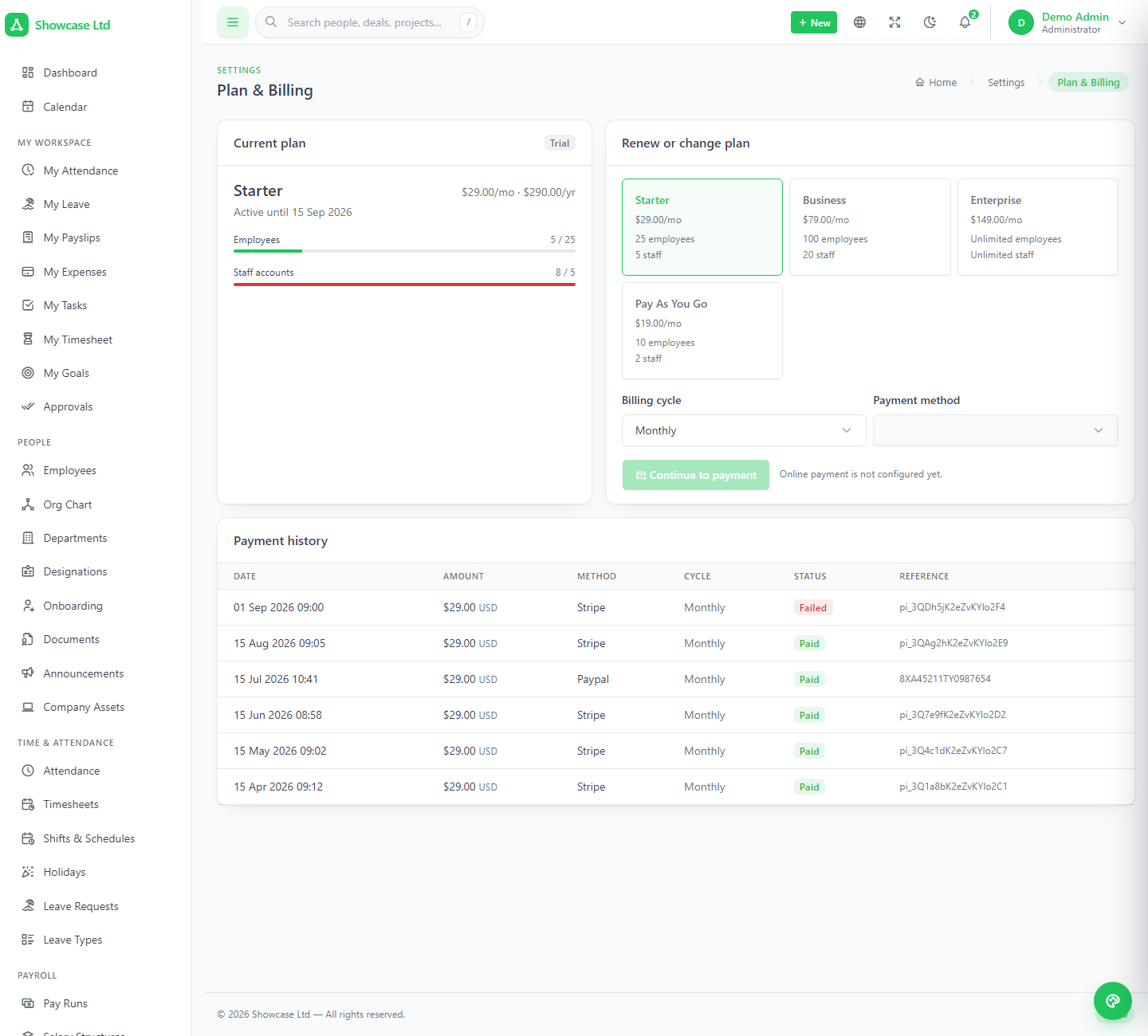
Stripe, PayPal, Paystack, Flutterwave, Mollie and bank transfer, each switched on with its own credentials, stored encrypted. Built-in currency presets keep a gateway off the checkout when it cannot settle your platform currency. Inside the workspace, the administrator's Plan & Billing page shows the current plan with live usage against its limits, renews or switches plan through checkout, and lists the payment history.
The clock is the subscription end date, or the trial end while on trial. Reminder emails go out at your offsets, the banner counts down, the lock waits for the grace period — and the administrator can always sign in and pay.
Inside the threshold every page carries a warning; once expired, a red countdown to the lock.
Configurable grace days after the end date before anything is blocked.
Every route except sign-in, password reset, language and billing. Pay, and it reopens.
Sit outside the workspace middleware, so a renewal always lands — even on a locked workspace.
Everything an operator does from the outside: see and manage each workspace, answer its tickets, publish a help center, watch the logs, take backups and run upgrades — without ever logging into a customer's account.
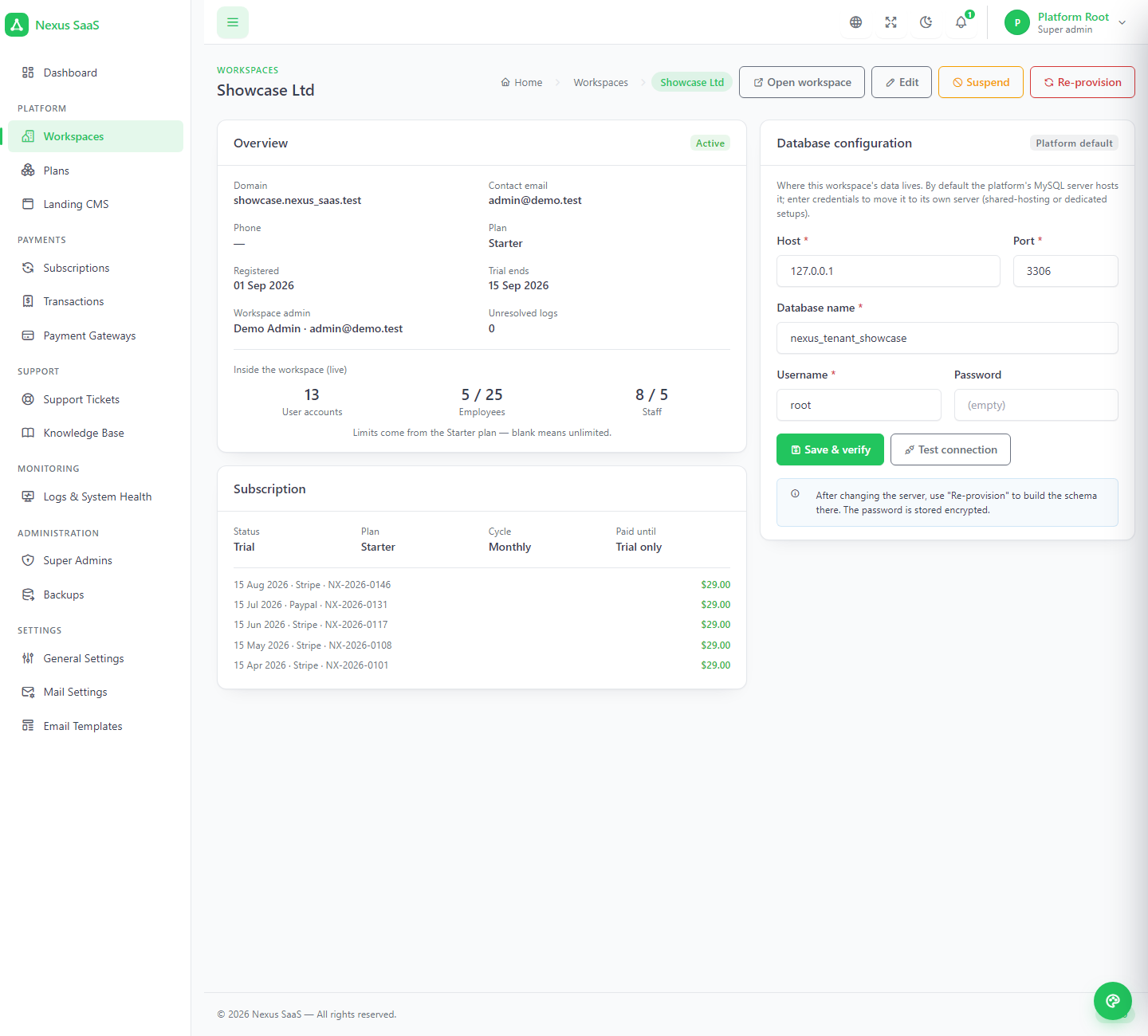
Search and filter by status, provisioning state and plan; create one by hand. A workspace page shows its domain, plan, trial, live user, employee and staff counts against the limits, its subscription and last payments, unresolved logs, and its database credentials — which can point at a different MySQL server, tested from the panel. Edit, suspend, re-provision or delete; deletion drops the database.
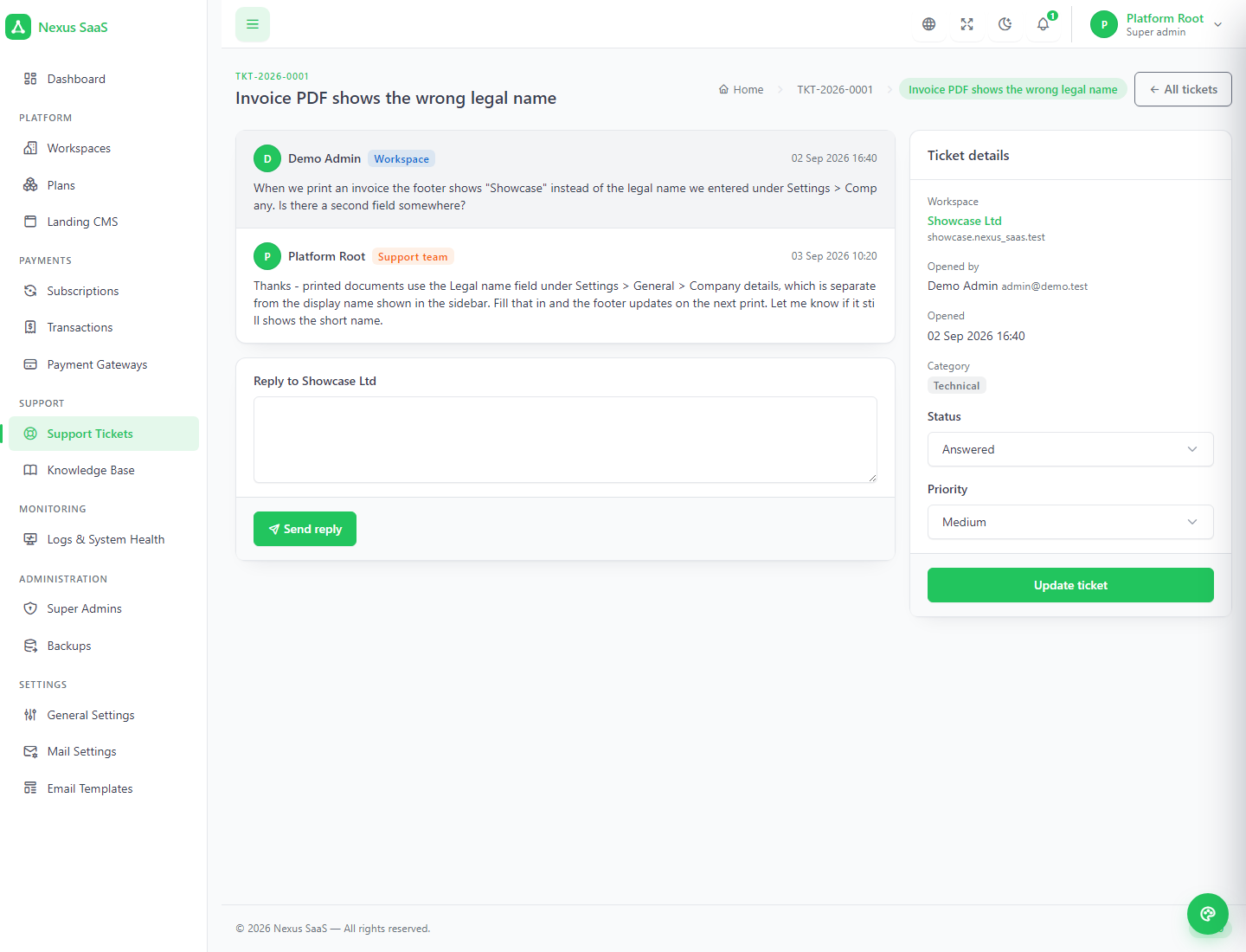
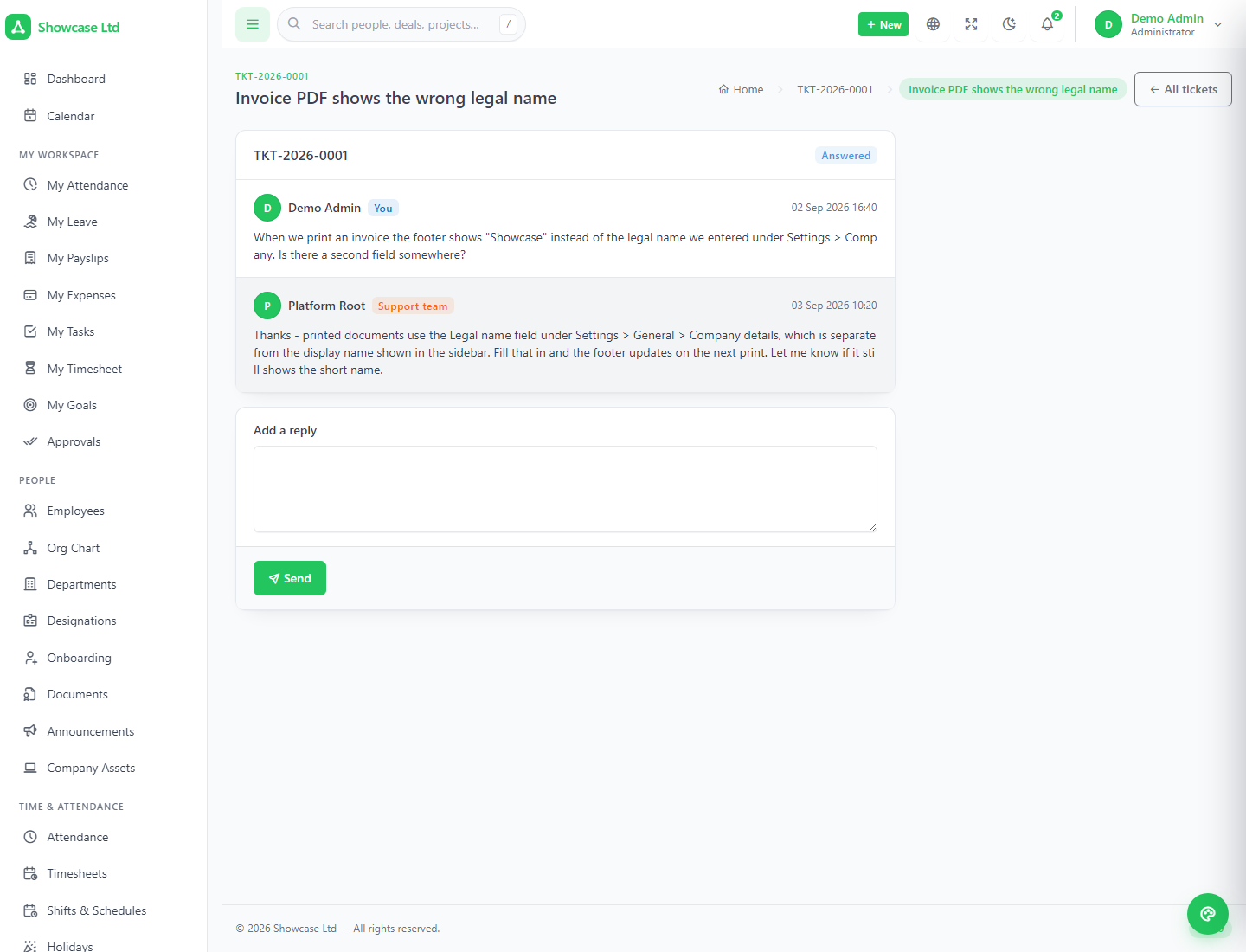
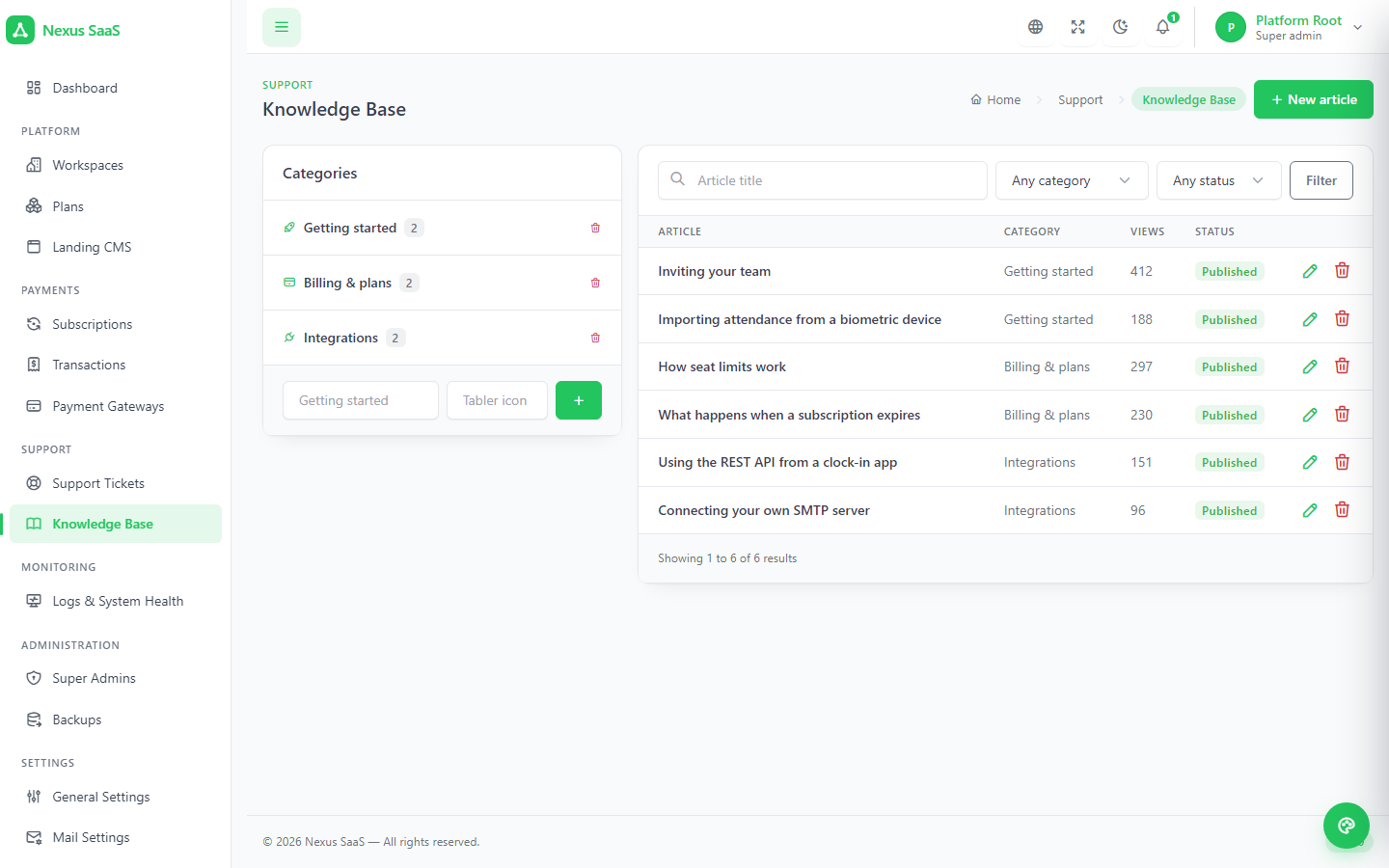
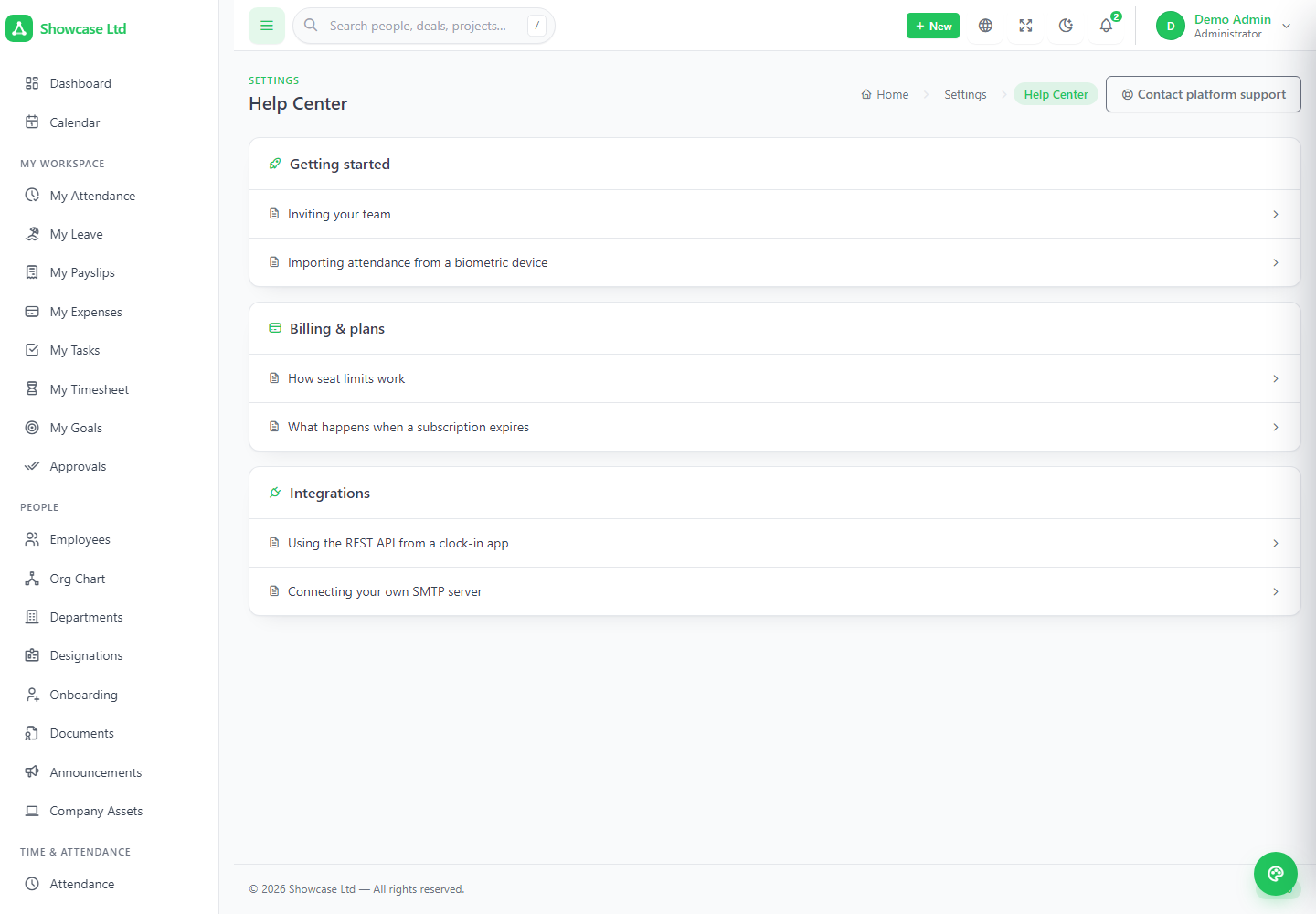
A workspace administrator raises a platform ticket without leaving their panel — technical, billing, feature request or other; low, medium or high, and only you can mark one urgent. Open → answered → resolved → closed, with unread counts on both sides. The knowledge base you write once appears in every workspace as a read-only help center with a view counter.
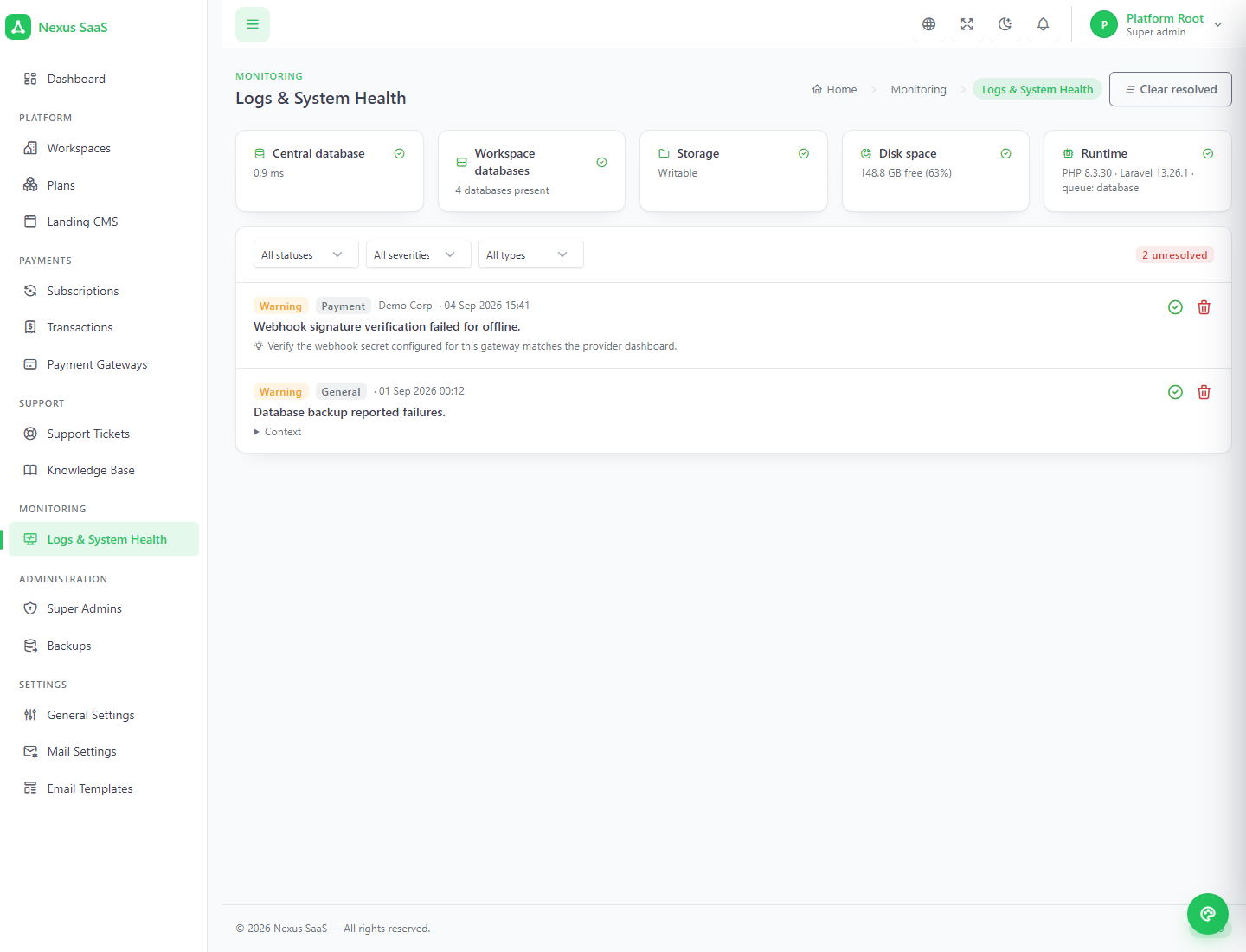
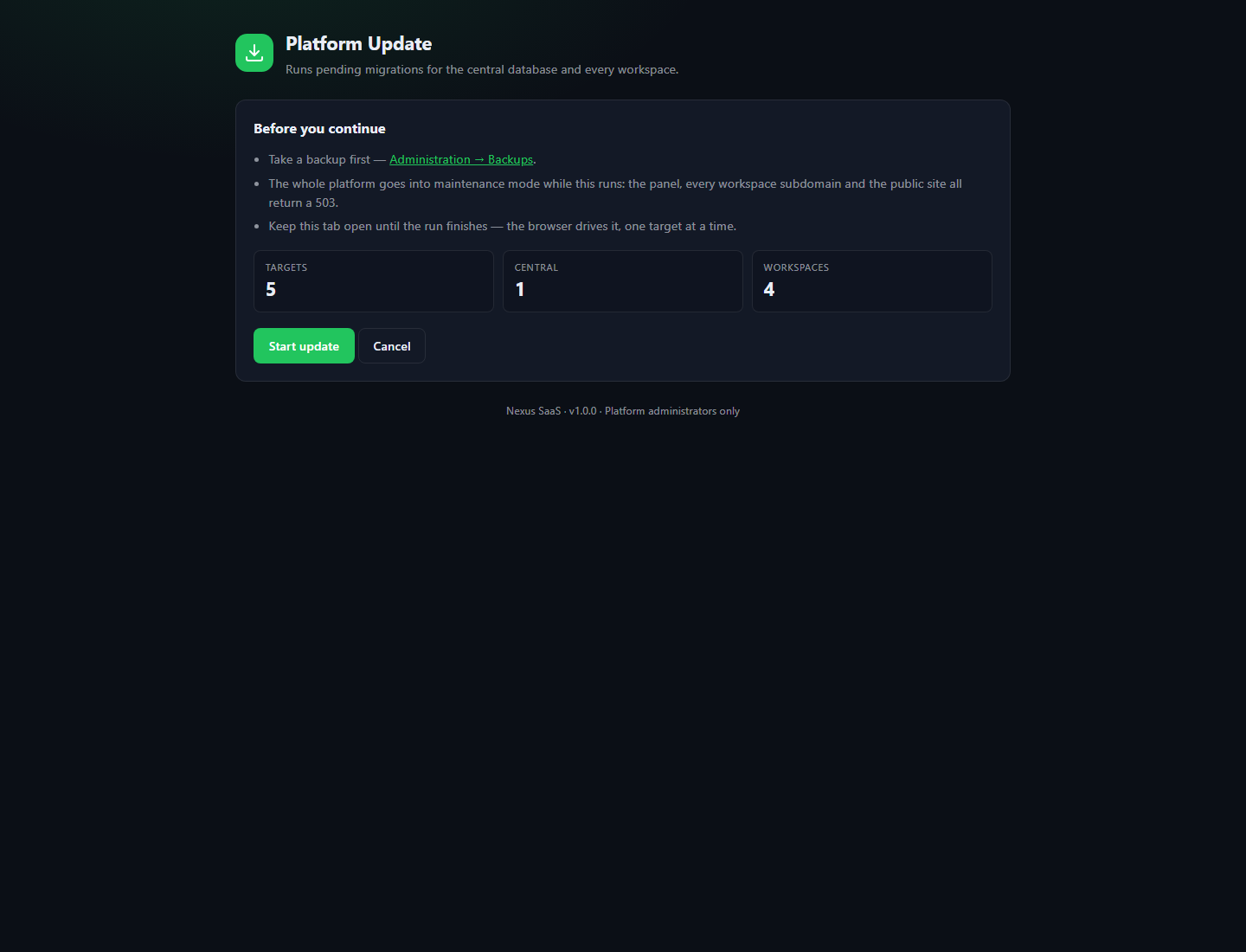
Central database latency, workspace databases present, storage writable, disk space and runtime, above a log of provisioning, database, payment and exception events by severity. One command backs up the central database and every workspace database into a timestamped folder, listed for download. The updater takes the platform into maintenance, migrates central, then each workspace in turn, and releases the lock — driven from the browser.
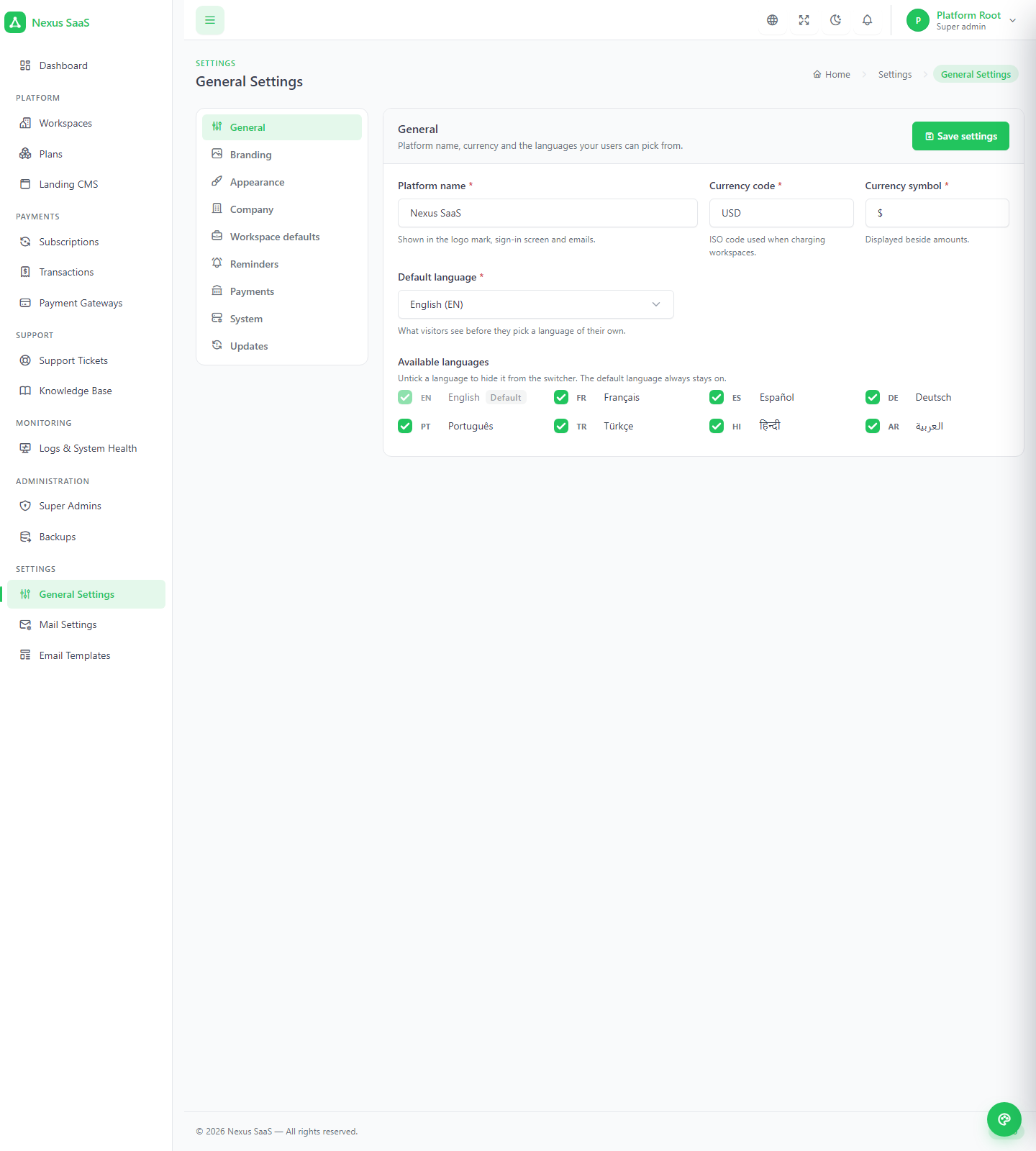
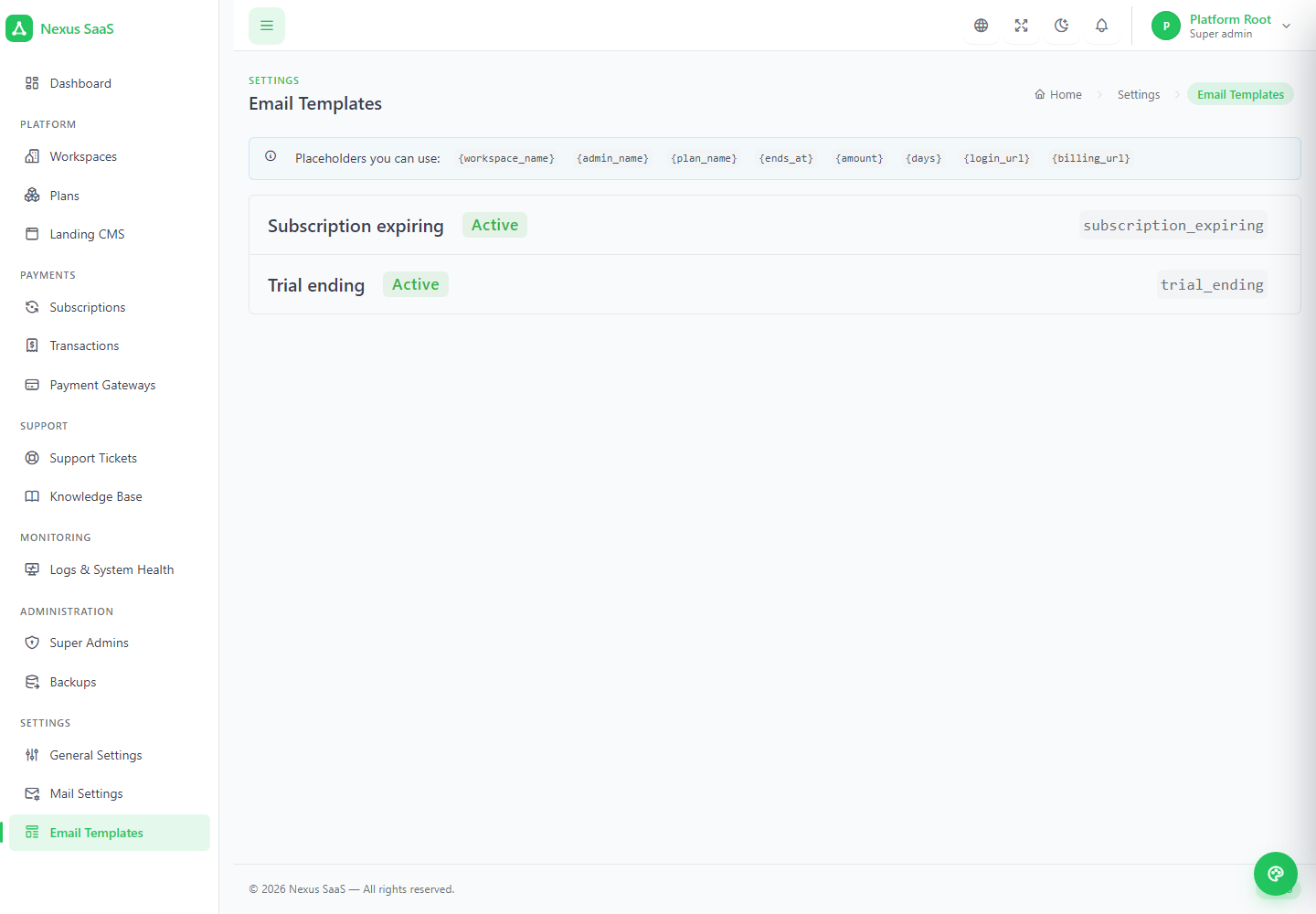
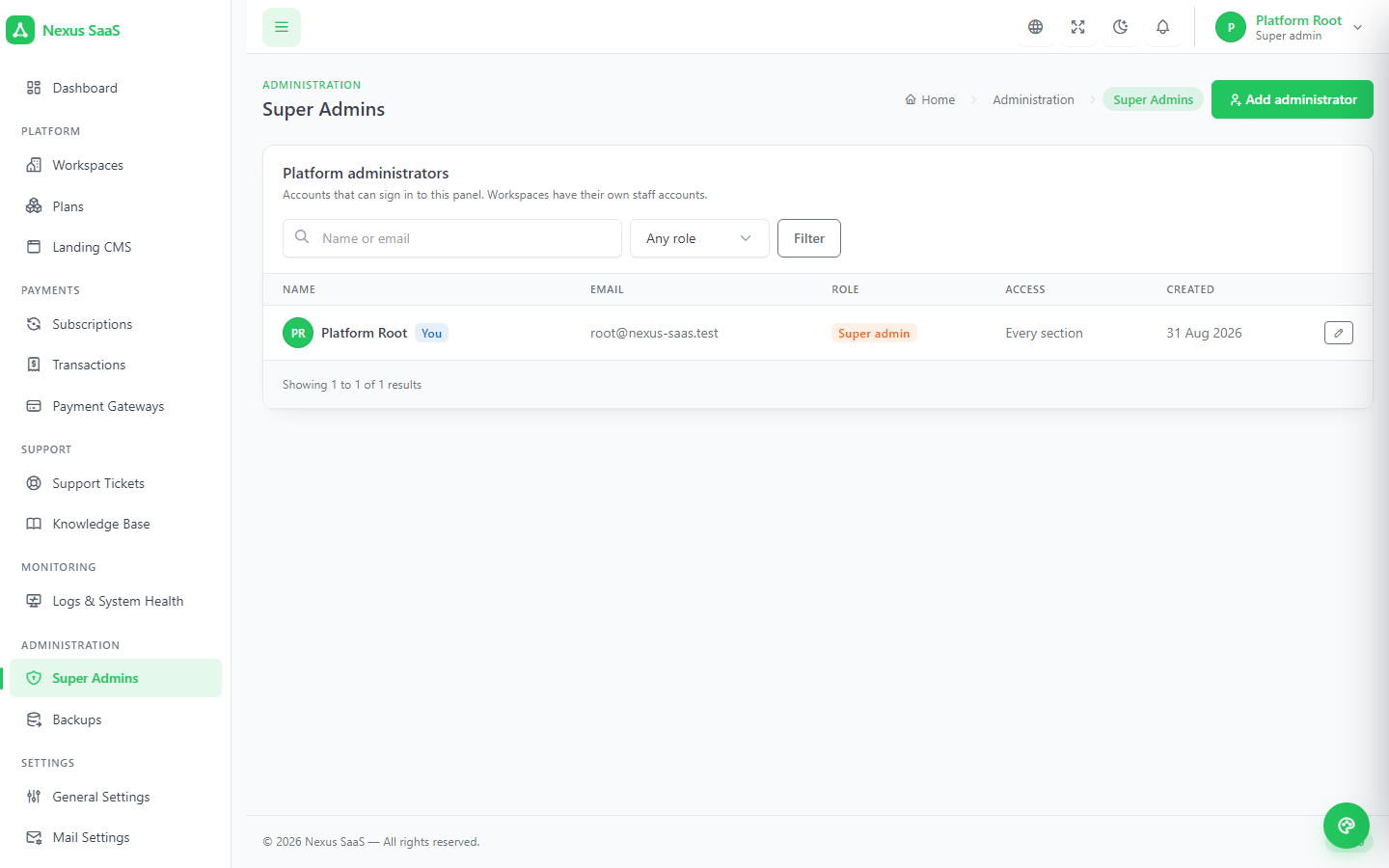
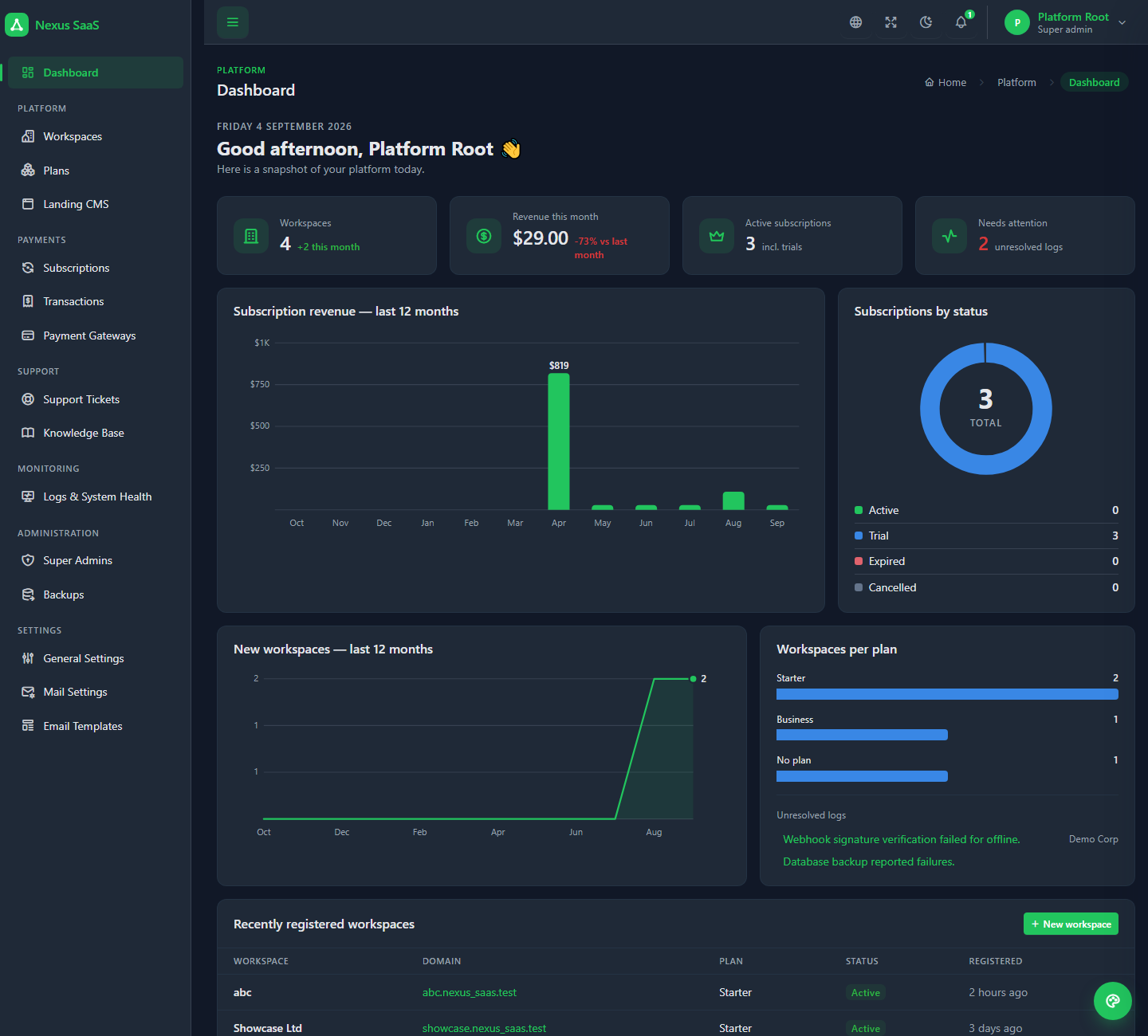
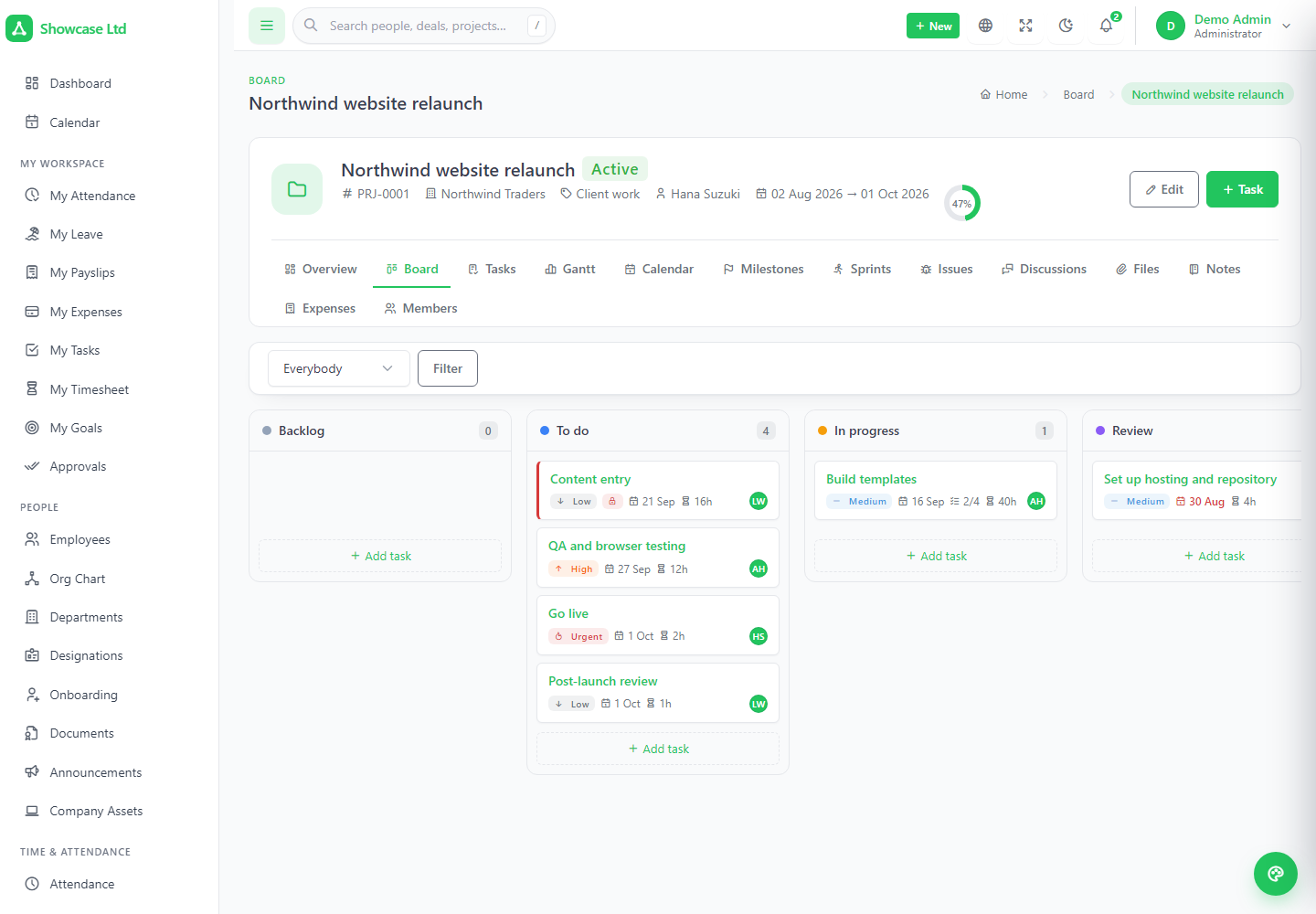
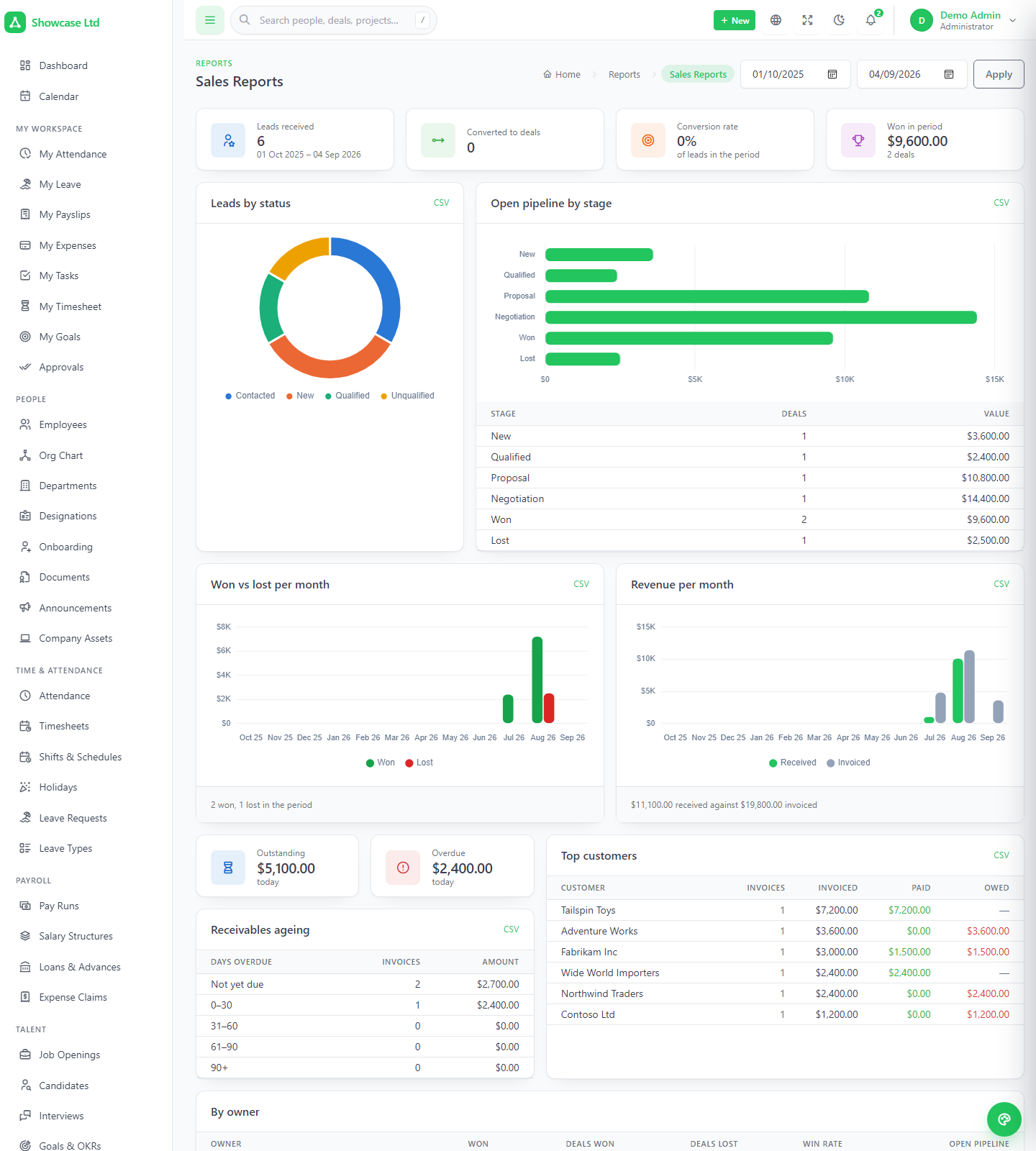
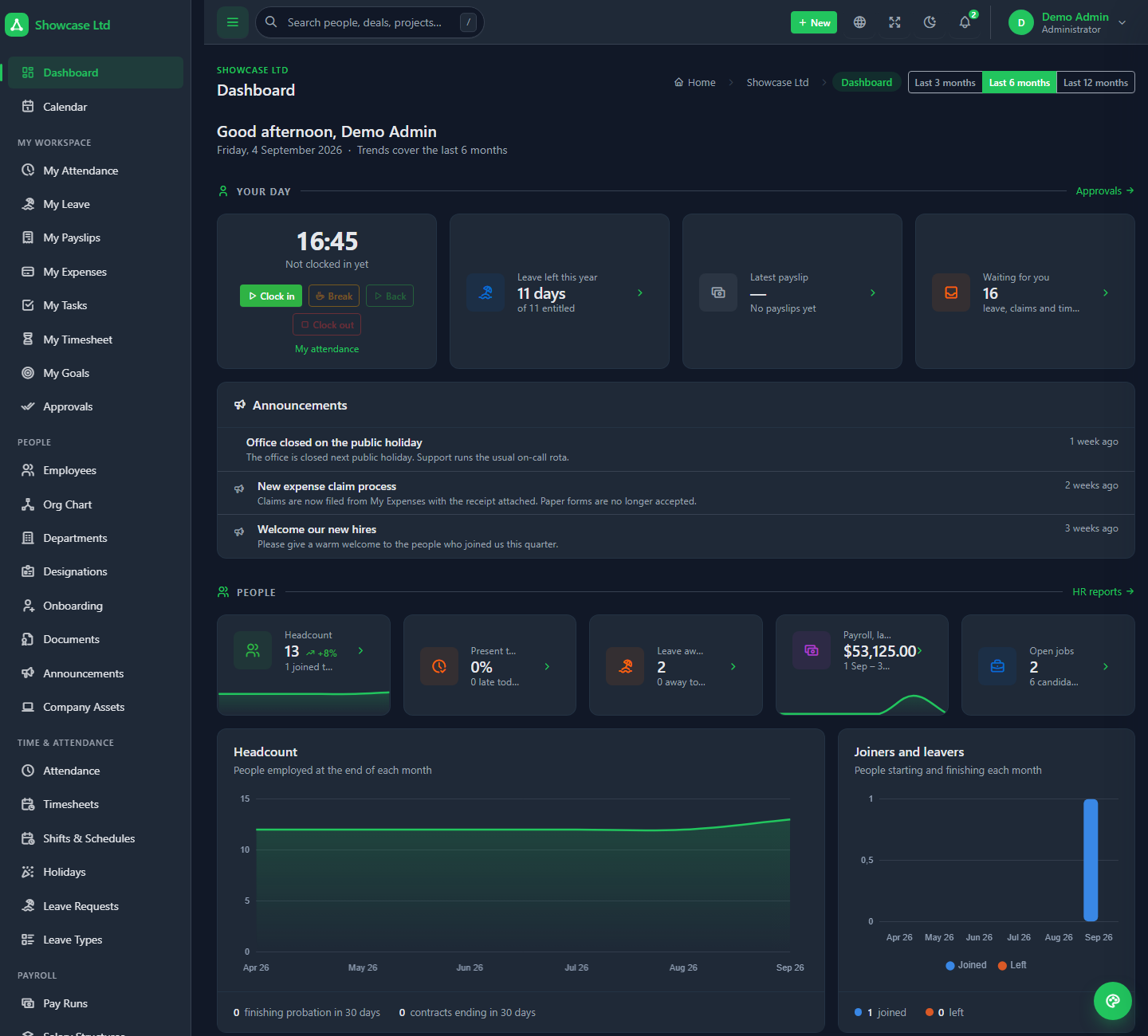
Each subdomain is the complete product: three systems sharing one directory of people, twelve permission sections and seven roles, a client portal, a public careers page, a REST API and eight languages — plus the SaaS additions: plan & billing, platform support, help center and per-workspace mail.
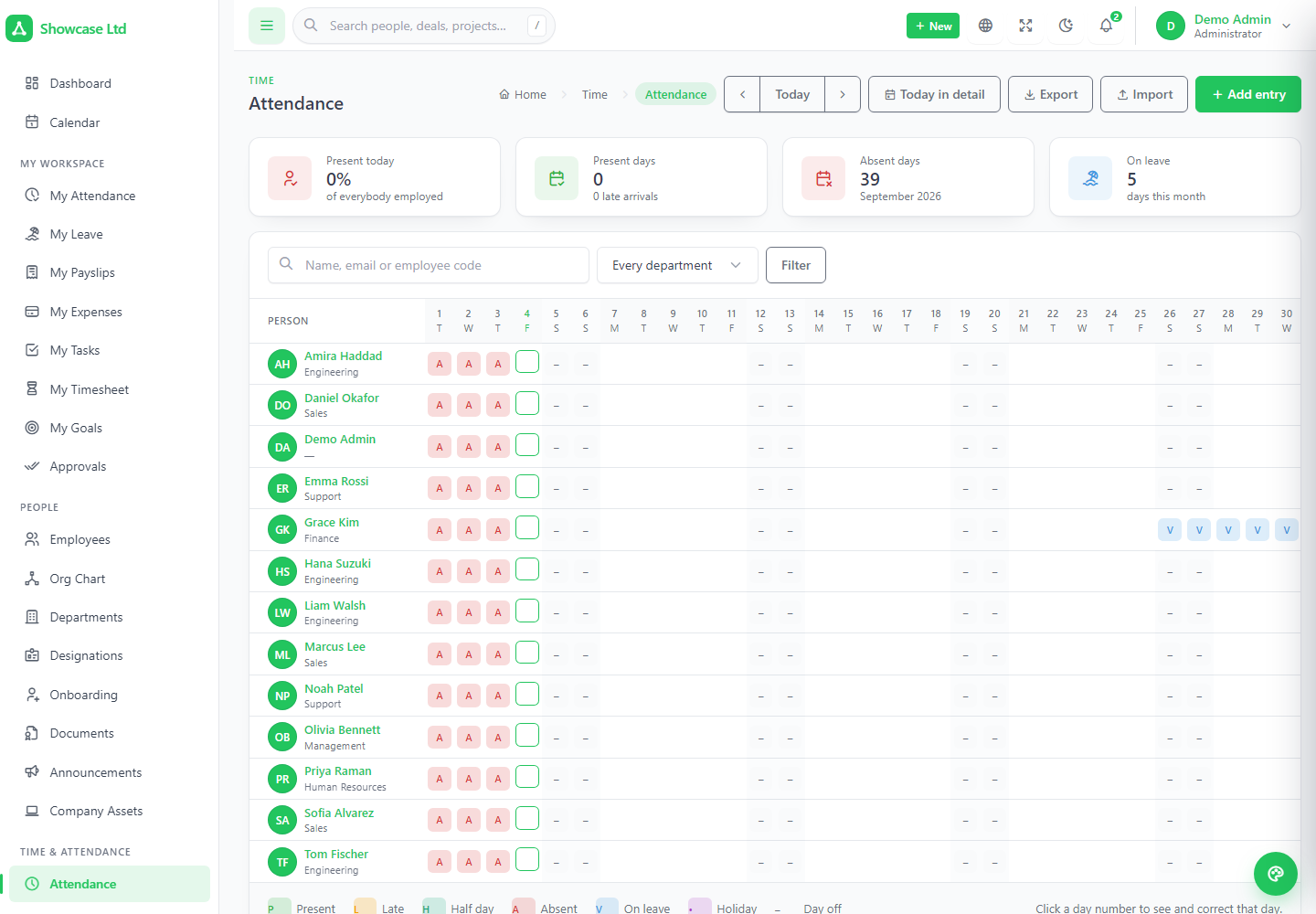
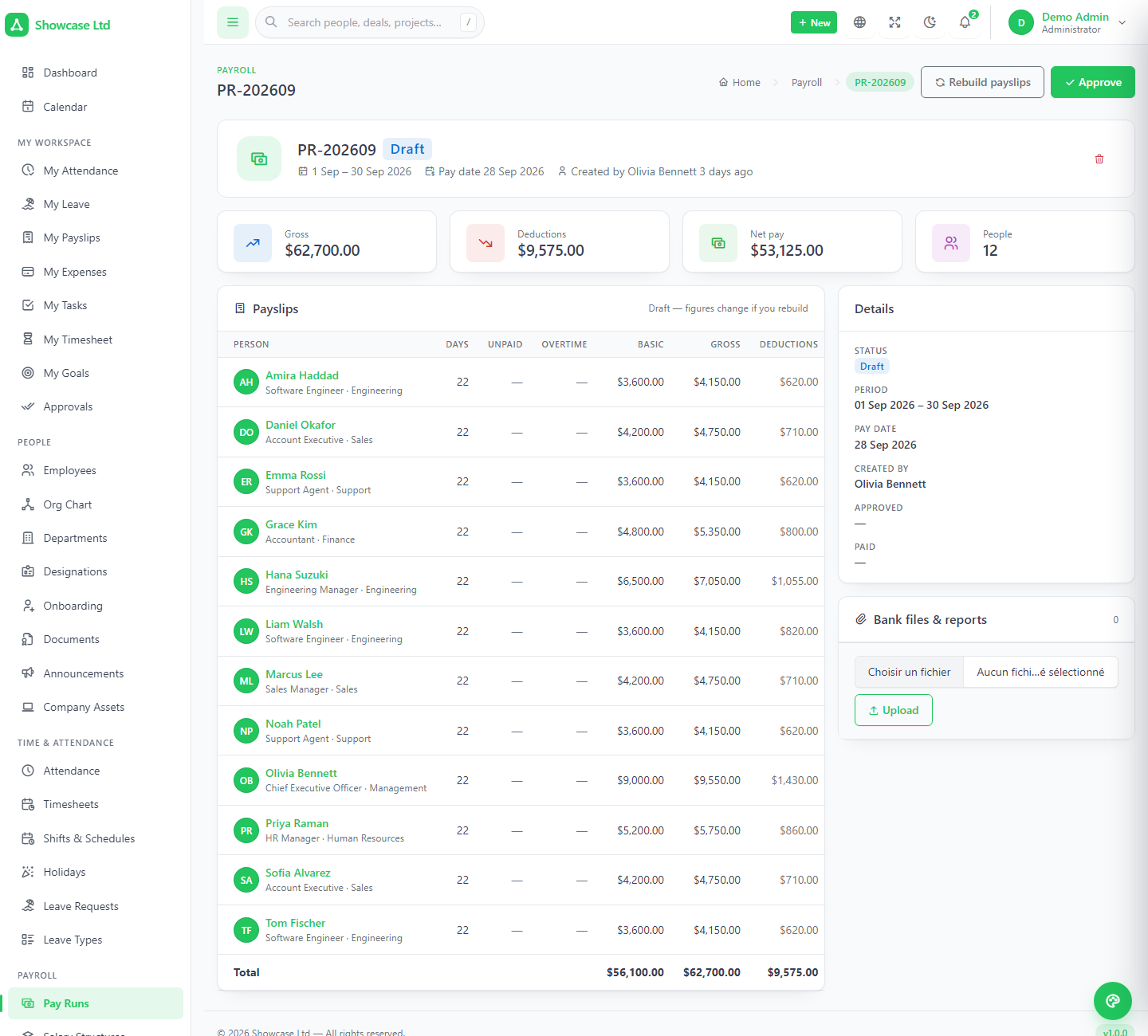
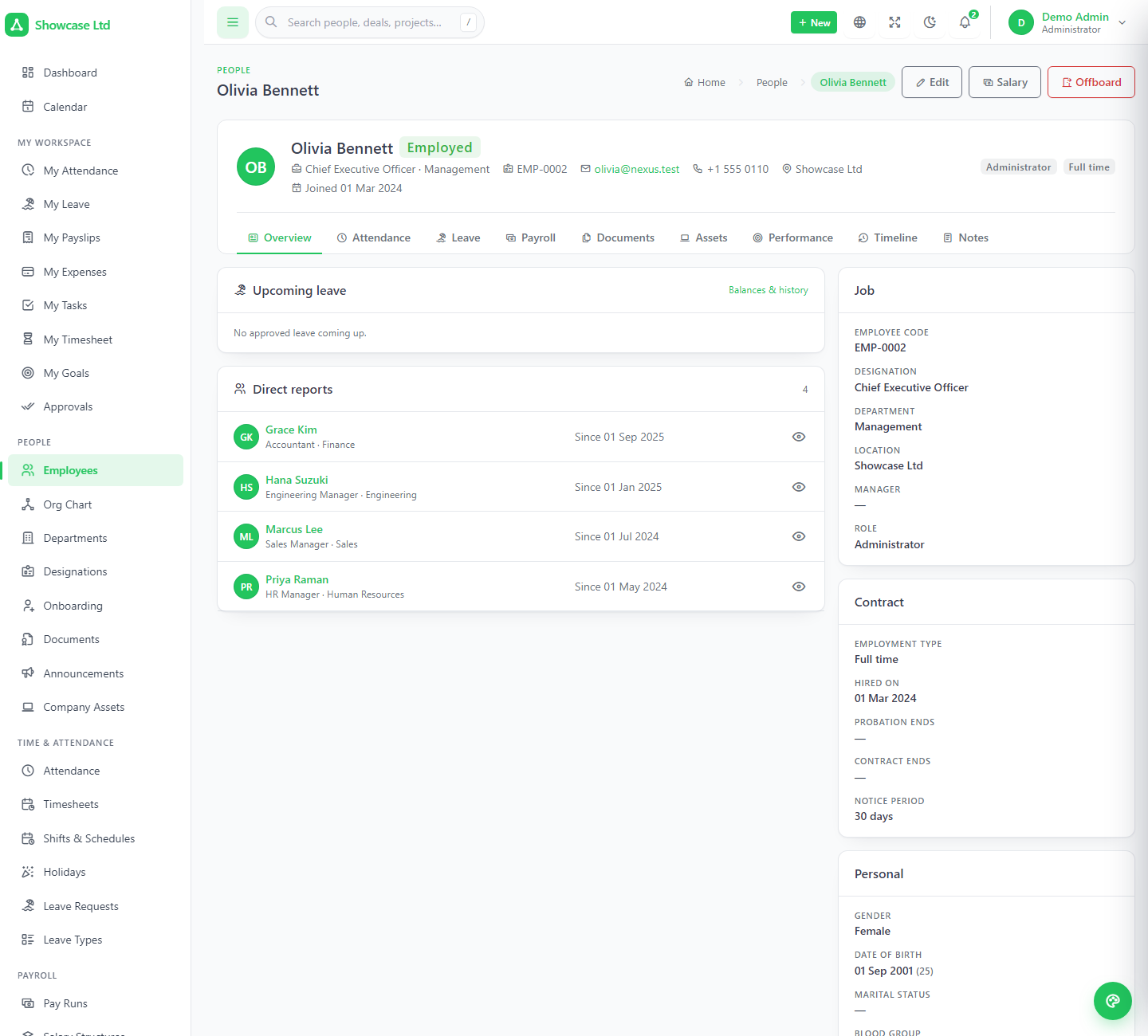
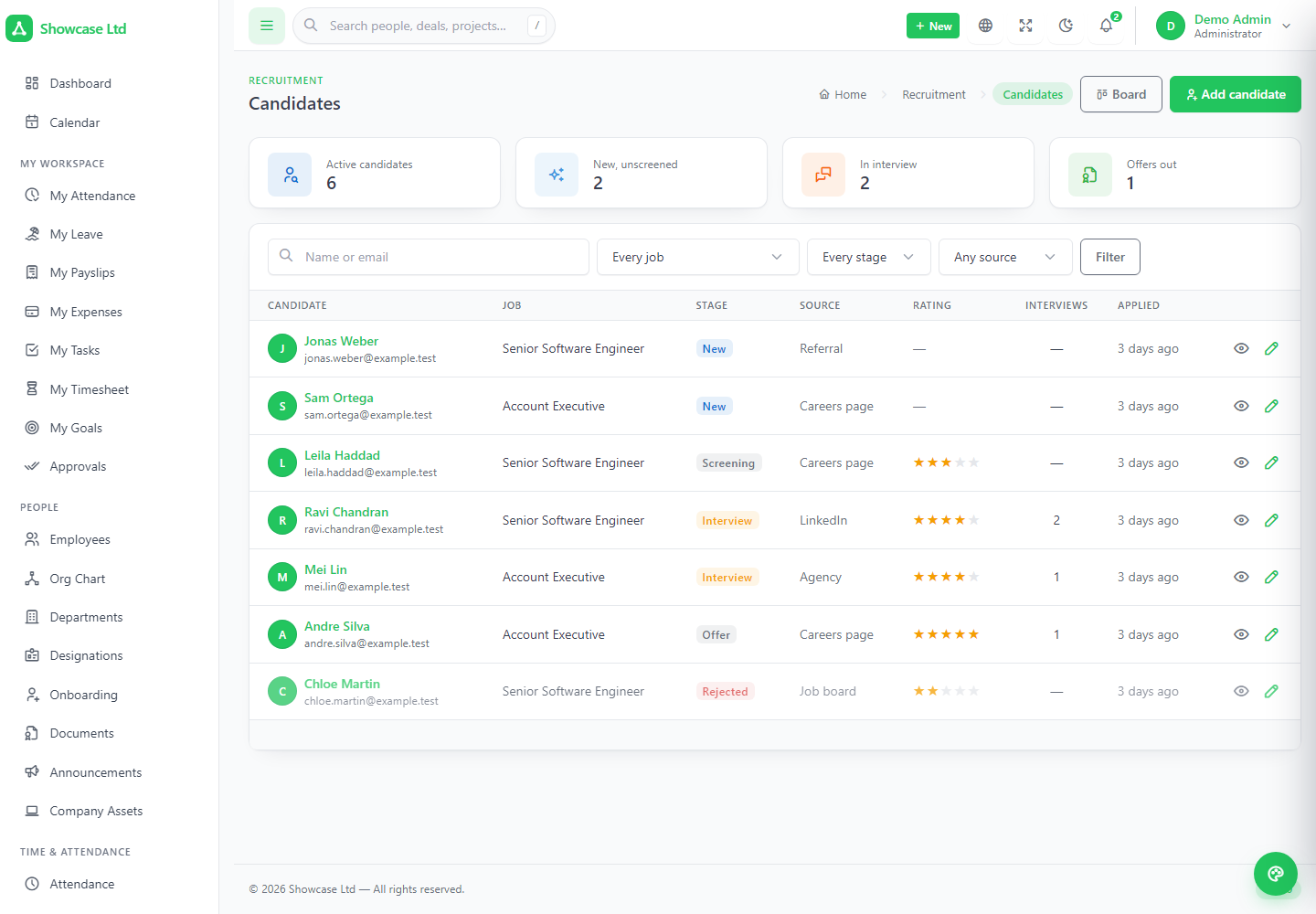
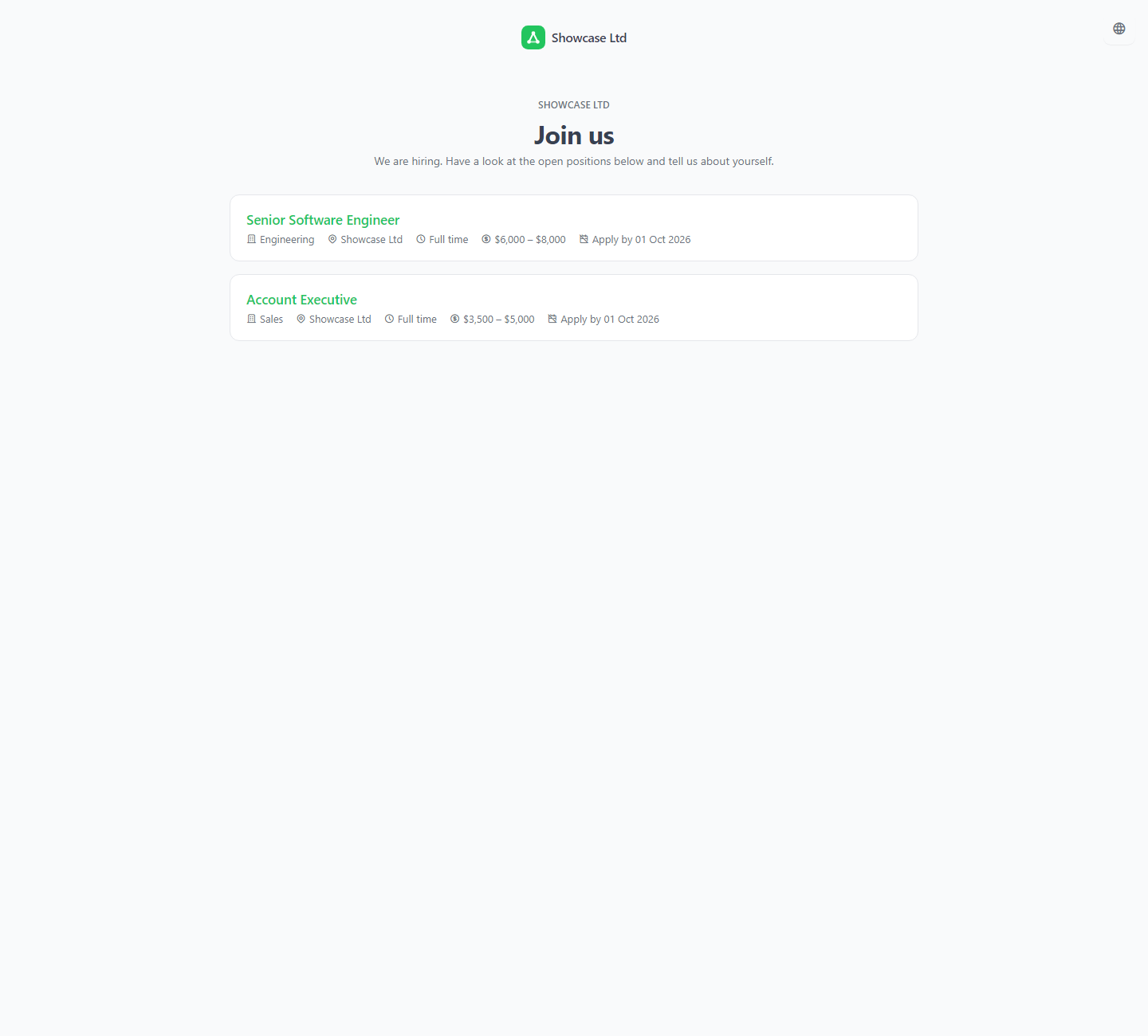
Employees with tabs, an org chart, onboarding checklists, documents with expiry, company assets. A month-at-a-time attendance grid, timesheets built from the clock, shifts and rosters, leave that knows the policy, and pay runs that read overtime, unpaid leave, expense claims and loan instalments. Recruitment with a public careers page and scored interviews; goals, reviews, training and warnings; self-service and a manager's approvals queue.
Weighted pipelines on a kanban, contacts and companies as real account views, campaigns you can attribute revenue to, quotes and invoices with a line editor that agrees with the server, recurring invoices behind a button that is safe to press twice, contracts signed online, tickets with an SLA clock, and a client portal on a separate login.
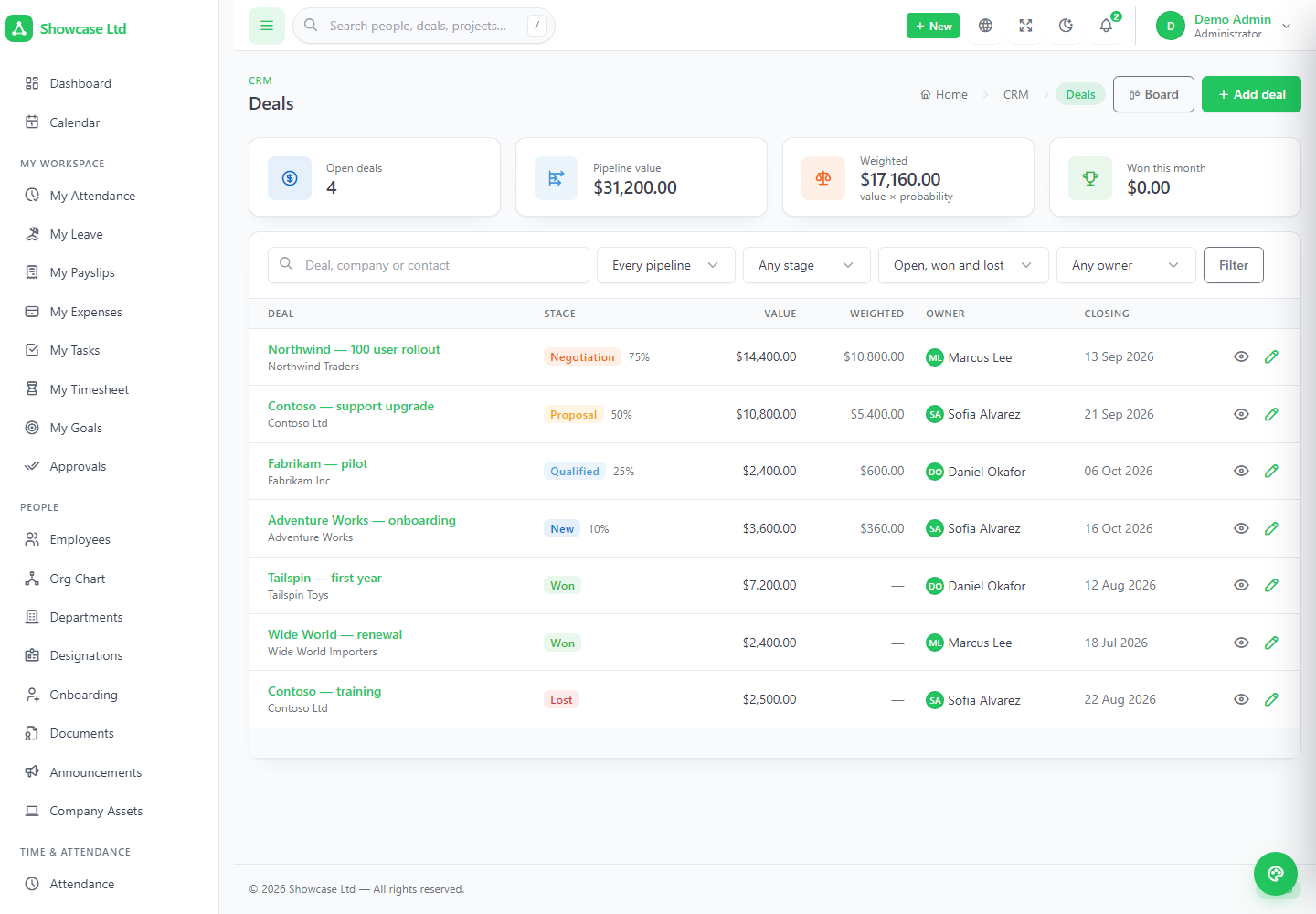
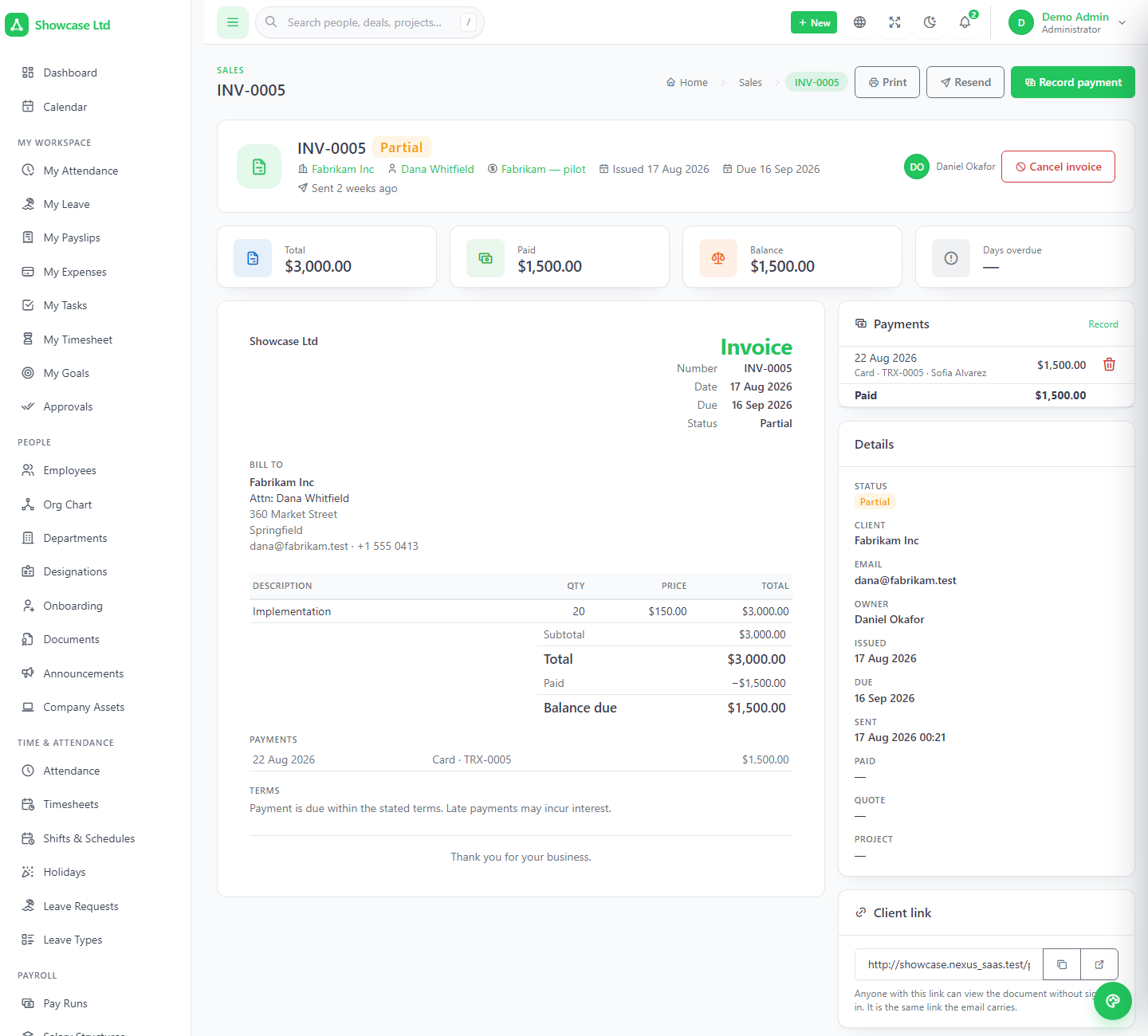
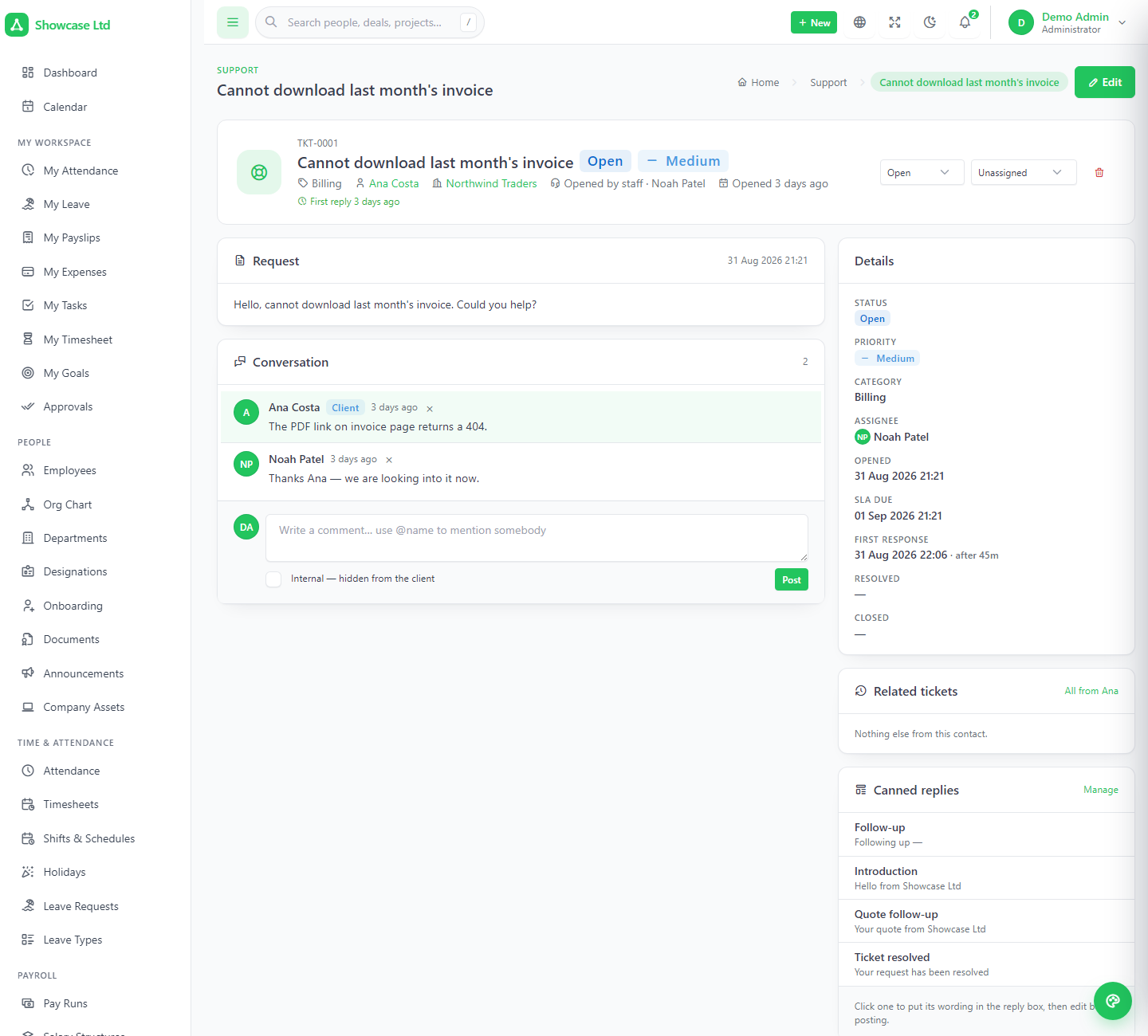
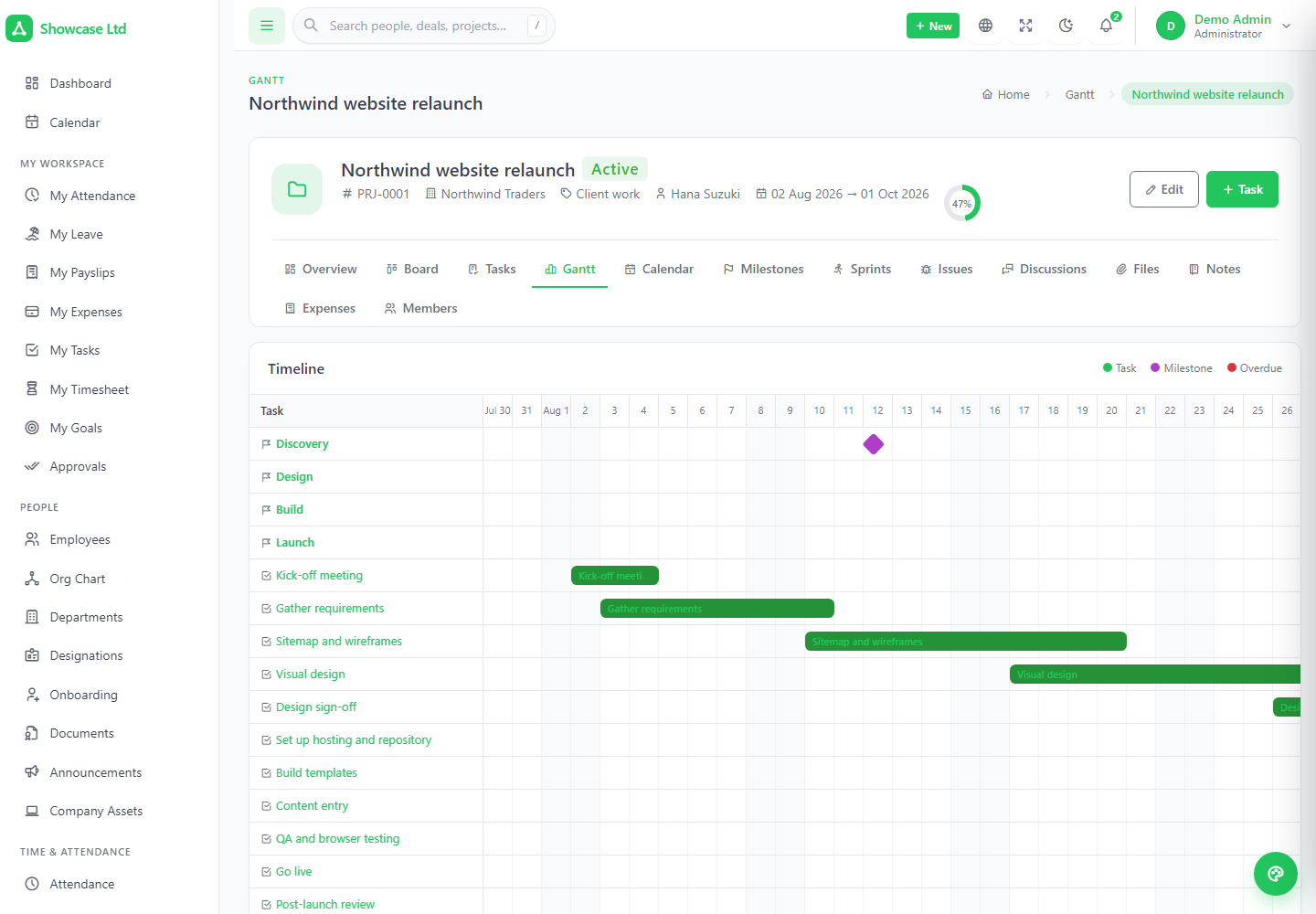
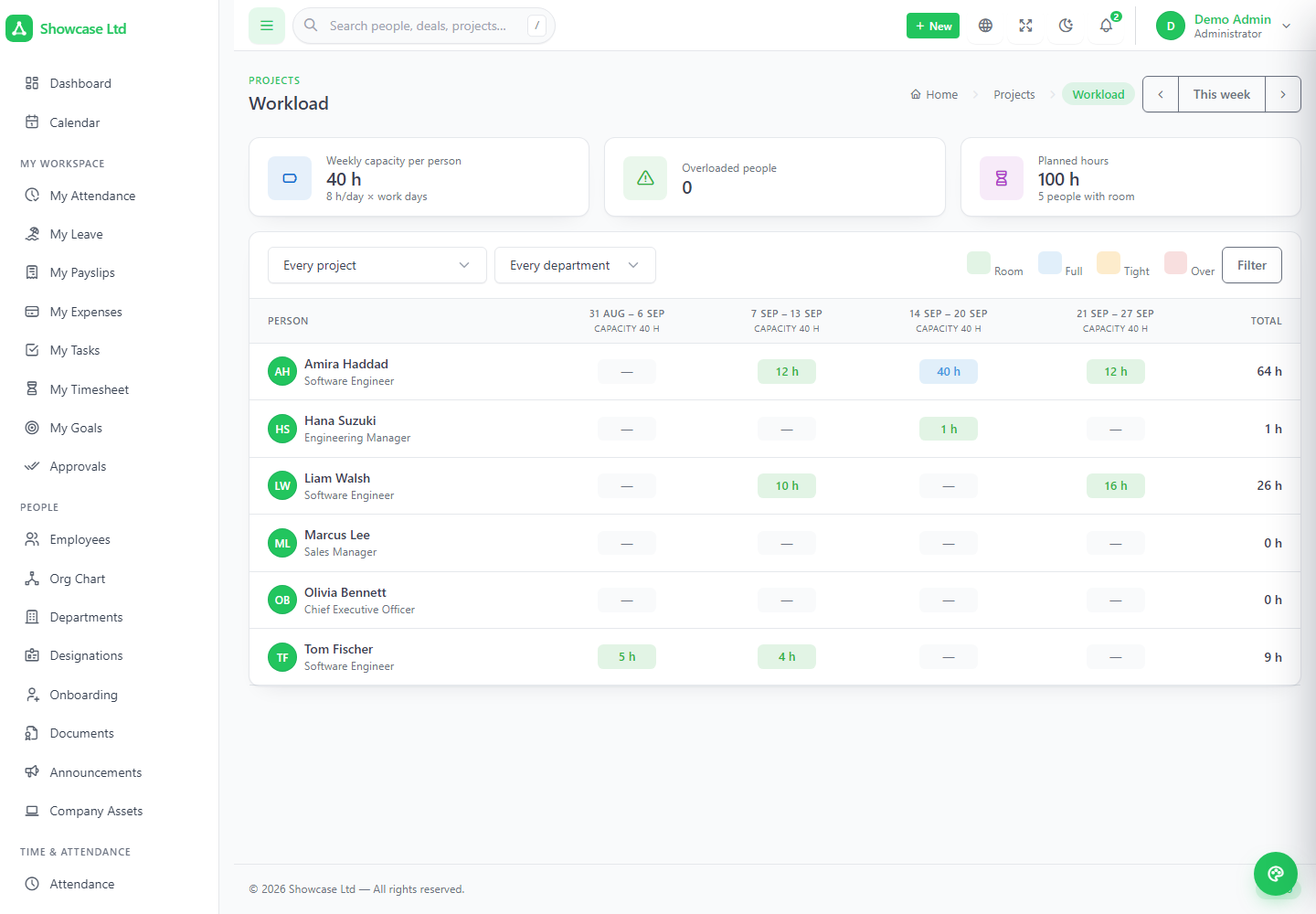
Tasks in four views with enforced dependencies, milestones, sprints with a burndown that stops at today, issues kept off the board, timers that round to a block, a workload grid to open before promising a date, templates with day offsets, and one button that turns approved time into a draft invoice — with the same hour never billed twice.
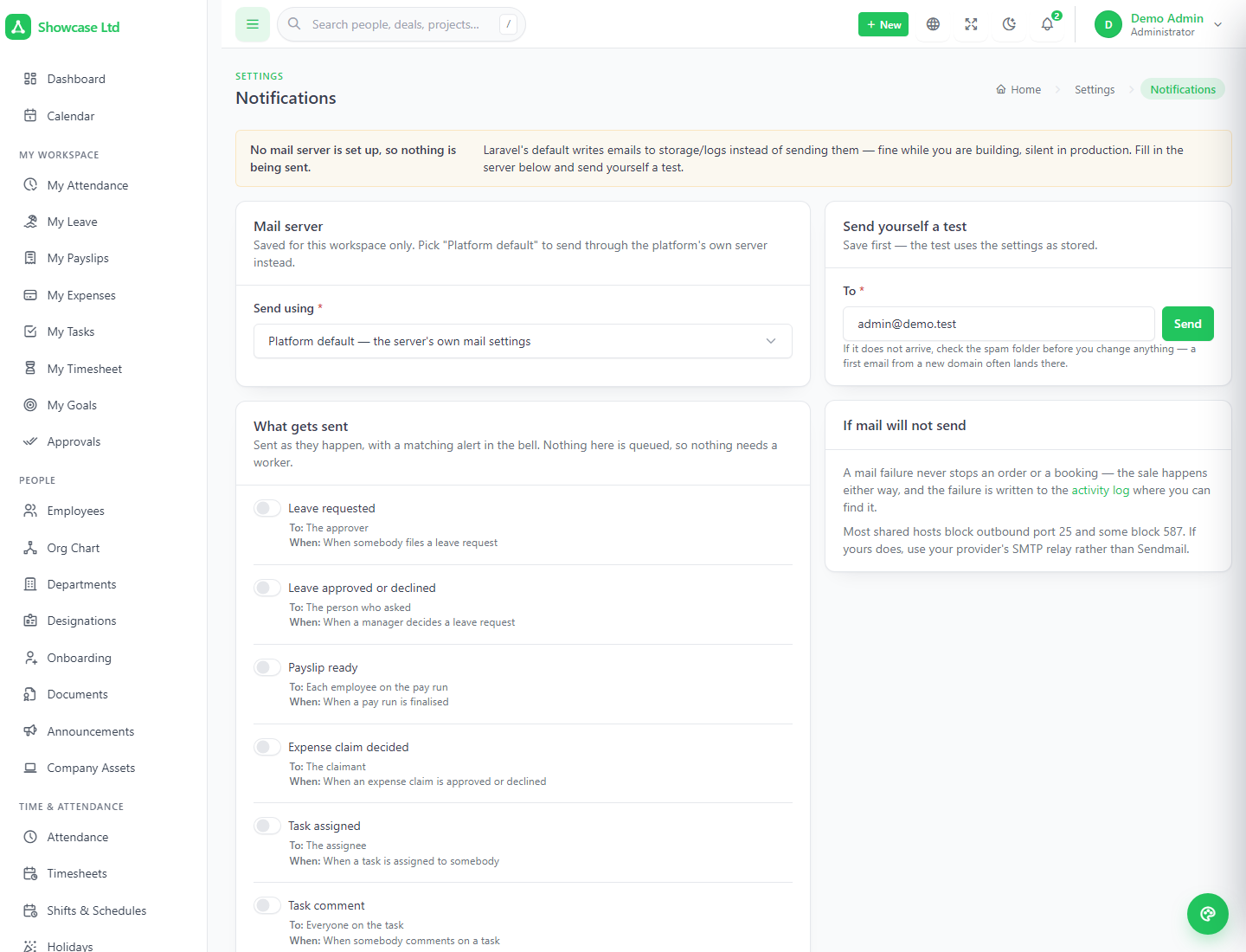
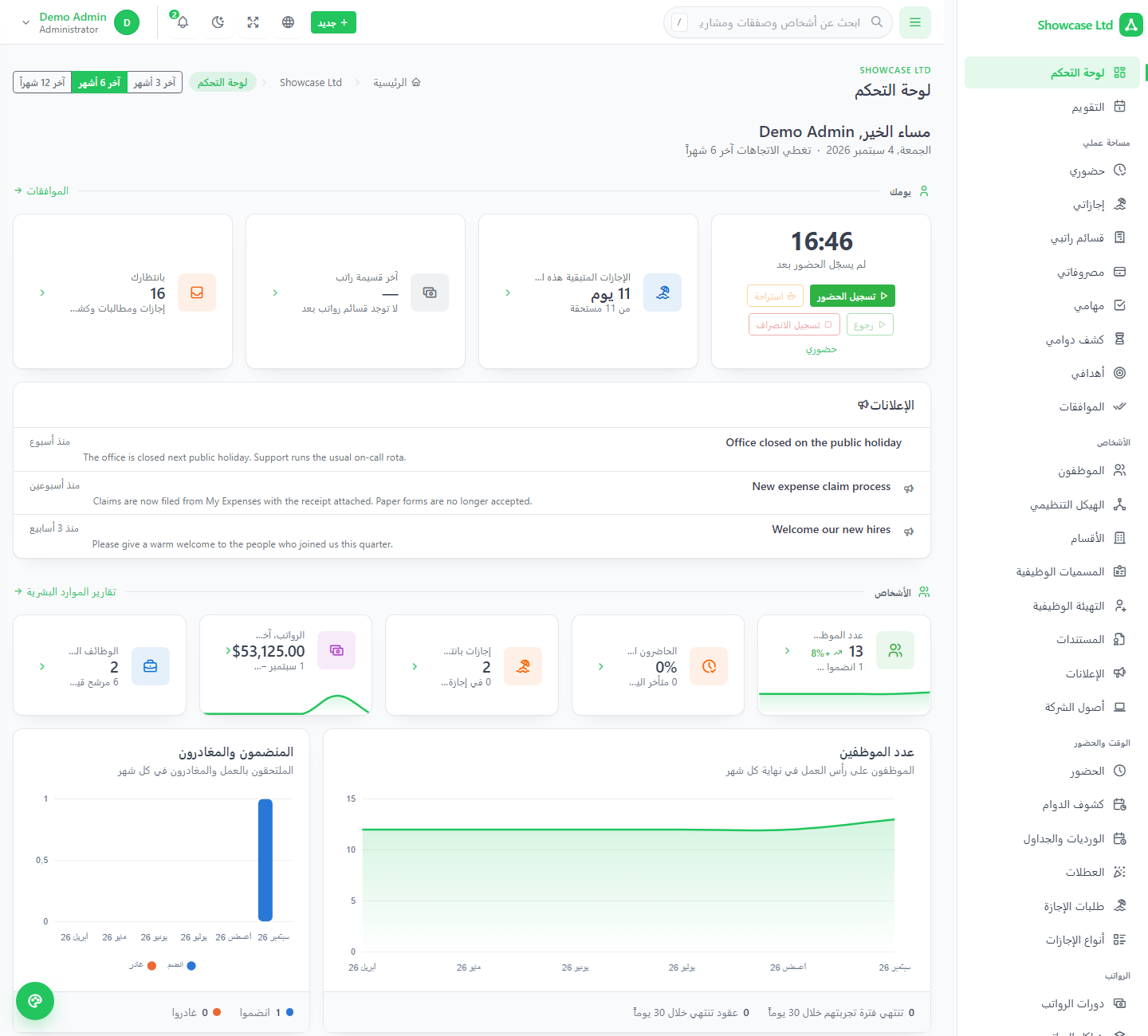
Each workspace sets its own SMTP — or inherits the platform relay with a single Platform option — and tests it with a button. English, French, Spanish, German, Portuguese, Turkish, Hindi and Arabic ship complete, Arabic in full right-to-left, with a translation editor in every workspace. Light, dark and system themes, accent colour and corner radius per person; each workspace's own logo and legal details on printed documents.
A mobile clock-in app, a website that files leads, a support mailbox that raises tickets. Tokens are created inside a workspace, use the same permission vocabulary as the back office, and can never do more than their owner.
Payload under data, paging under meta, everywhere.
Employees, attendance, holidays, leave, leads, deals, contacts, companies, invoices, tickets, projects, tasks, time.
Deactivate a person and their integrations lose access at the same moment.
Only a hash is stored; a 401 reads the same for missing, unknown and deactivated tokens.
| Framework | Laravel 13, PHP 8.3+, MySQL 8.0+ / MariaDB 10.6+. The platform's database user must be allowed to create and drop databases. |
|---|---|
| Tenancy | stancl/tenancy 3 — one database per workspace (nexus_tenant_{subdomain}), identified by subdomain, UUID workspace ids. Uploads isolated under public/uploads/t/{workspace}, no storage symlink. |
| Payments | Stripe (official SDK), PayPal, Paystack, Flutterwave, Mollie over REST, and bank transfer. Credentials encrypted at rest; a webhook endpoint per gateway; completion idempotent. |
| UI | Tabler 1.4 with Tabler Icons; Alpine.js 3, Chart.js 4, SweetAlert2 — no SPA framework. Vite 8, with compiled assets shipped in the package. |
| Architecture | One codebase, two panels selected by host. Central models pinned to the central connection; provisioning as an after-response job; limits, reminders, lock-out and gateway completion in service classes. |
| Not required | Queue workers, Redis, websockets, Node on the server, a storage symlink. A cron entry is optional — reminder emails and reclaiming abandoned sign-ups only. mysqldump is used by the backup command. |
| Tests | Feature suites over the central panel, paid registration, plan limits, subscription reminders and workspace mail, on top of the product's own suite. |
Sign in to the super-admin panel on the apex domain, then open any of the three demo workspaces on their own subdomains — demo, acme and globex, each a twelve-person demo company with a pipeline, invoices, tickets, projects and a year of history, all on the Enterprise plan with everything included. Every sign-in page lists its demo accounts; one click copies the credentials into the form. The password is 123456 everywhere, and the whole demo rebuilds itself every hour.
saas:demo-reset — three demo workspaces with a full demo company, rebuilt on a schedule; the installer can set them up for you*.yourdomain.comDevelopers and agencies running Nexus as a subscription business; hosting and IT-services providers adding an HR, CRM and projects product; franchise groups and business networks giving every member its own workspace; accountants and HR consultancies serving several clients from one platform; anyone who bought the single-tenant Nexus and now wants to sell it rather than install it.